ASUS Gallery
3.3
١٠٠ مليونتنزيل
44.04 ميجابايتالحجم
موقّع وموثوق
لقطات الشاشة
عن التطبيق
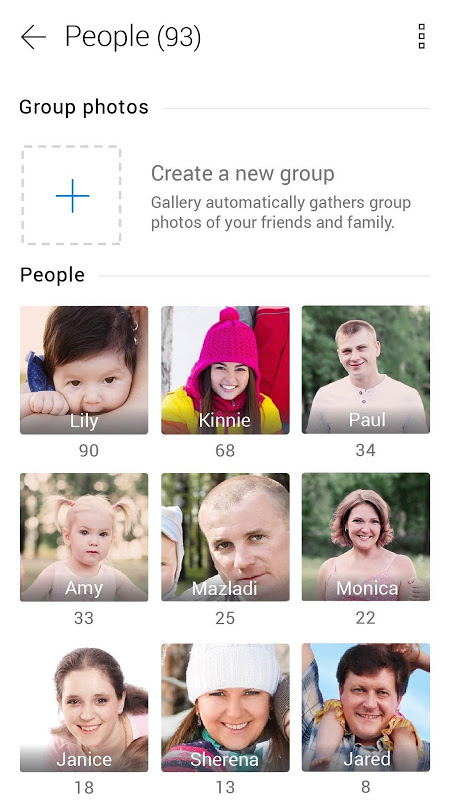
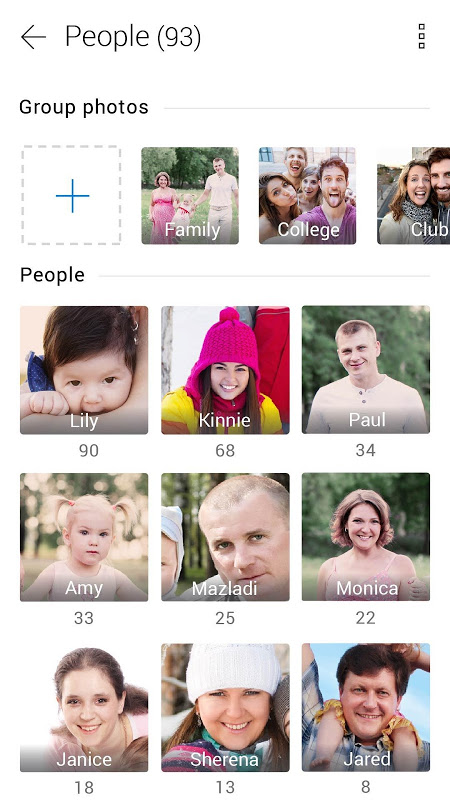
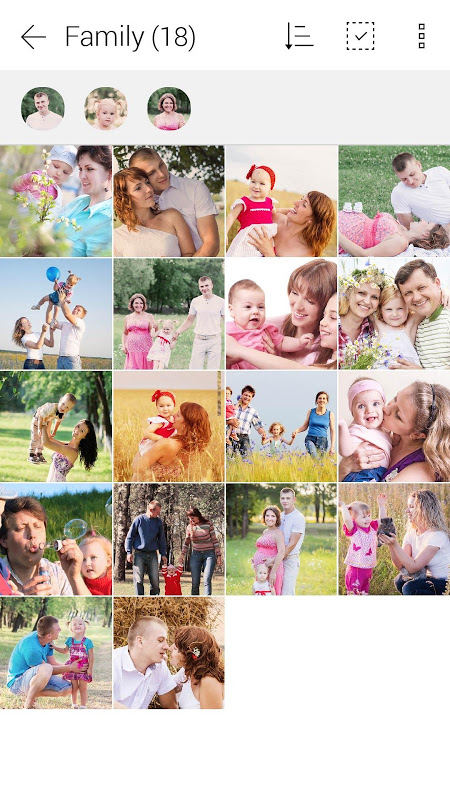
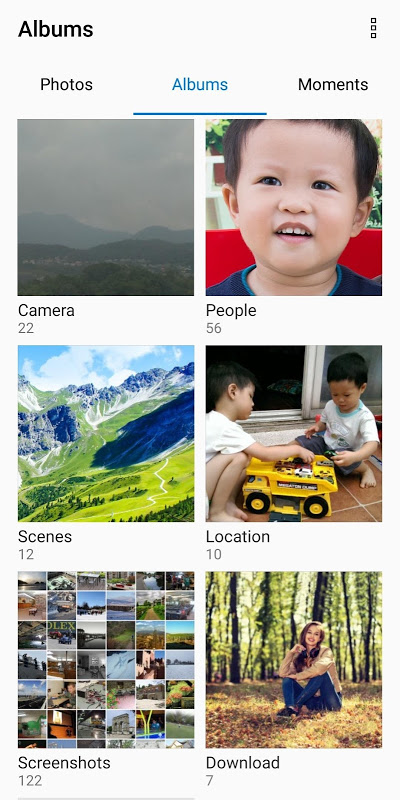
ASUS Gallery is a great application for your photos and videos viewing. You can explore photos in many different ways, – e.g. People, Locations, and Scenes – and manage your photos with customized tags. Enjoy the fun and amazing feelings that important moments bring to your life.
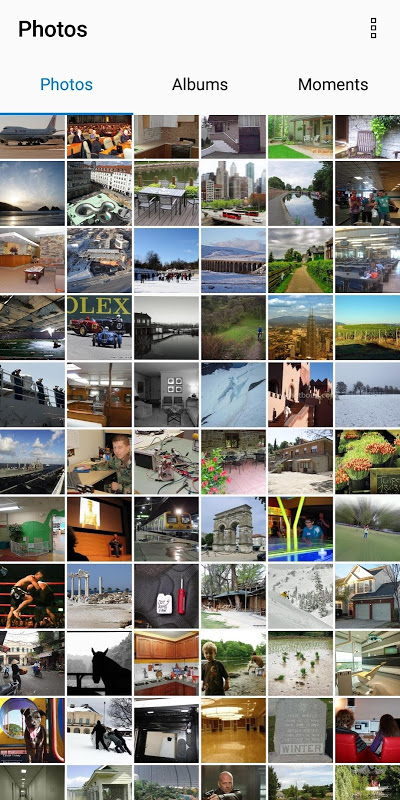
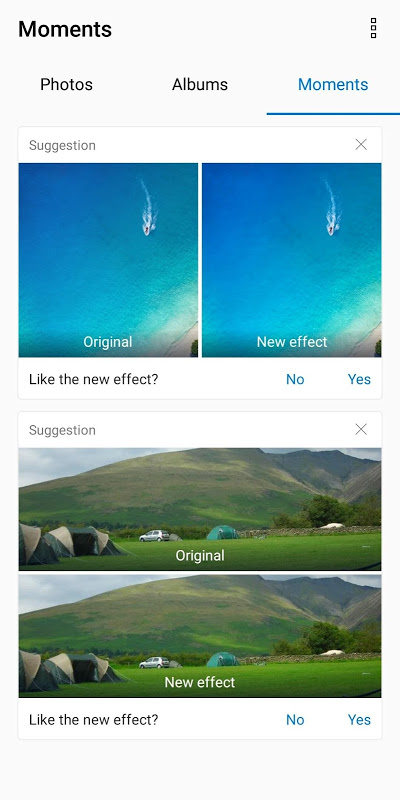
We modify the UI design to show Photos, Album and Moments separately, and revised the contents of the options menu too. So that you can use Gallery more conveniently, find photos more quickly, and enjoy Gallery’s new feature more easily.
Photos are displayed in timeline sequence, you can scroll to look for photos at specific dates. You can also zoom in and out to view the thumbnails, and view the photos in Gallery the way you like it.
(only available in some devices)
Gallery detects the scenes and objects in photos, and uses the results to classify them into scene albums. It helps you to sort and arrange photos, and let you search specific photos more easily.
(only available in some devices)
We will ask for your preference in specific scenes then edit the photos according to your preference, so that the photos fit your style.
Gallery now has Photo collage function. You can choose photos you like and make into a collage and share it with your family and friends.
Gallery now has Video trimmer function. Come and try this new function and keep only the most interesting part of the video.
Mosaic is a new editing function. It lets you hide private information when you share your photos, or hide the strangers in your photo to keep the focus on you.
(only available in some devices)
You can check and edit WCG photos in the Gallery.
※ Some new feature is not available dependent to Android versions.
[Note]
1. Gallery v1.5 now supports Android™ 5.0 and is backward compatible with Android™ 4.4 or earlier versions. To enable this, Gallery needs to reset the database used for People mode so previously tagged faces will be reset as "Unknown."
2. Since Gallery v1.5, your album cover will also be reset when you upgrade from Android™ 4.4 to Android™ 5.0.
3. User interface and functions may vary by device.
4. ASUS Gallery is a free app for ASUS devices. You will not be charged for downloading or using this app.
5. [What if I forgot the password to unlock Gallery]
* If the title in the upper-left corner on Gallery is "AppLock", please go to Google Play and uninstall "ASUS Launcher". You can reset your password and enjoy the "Lock Gallery" feature after upgrading "ASUS Launcher". Don't forget to set a Google account to retrieve your password if forgetting it again.
* If the title in the upper-left corner on Gallery is "CM Applock for ASUS", please click the upper-right button and choose "Forgot password?” After entering the password of your Google account, you can reset your password to lock Gallery again.
ASUS معرض هو تطبيق رائع للصور والفيديو عرض الخاص بك. يمكنك استكشاف الصور في العديد من الطرق المختلفة، - على سبيل المثال الناس، المواقع، ومشاهد - وإدارة الصور الخاصة بك مع به حسب الطلب. التمتع متعة ومذهلة المشاعر التي تجلب لحظات مهمة في حياتك.
تعديل UI
نحن تعديل تصميم واجهة المستخدم لإظهار صور، ألبوم ولحظات على حدة، وتعديل محتويات قائمة الخيارات أيضا. بحيث يمكنك استخدام معرض أكثر سهولة، والعثور على الصور بسرعة أكبر، والتمتع ميزة معرض الجديدة بسهولة أكبر.
معلومات إضافية
تاريخ التحديث
2020-02-29الإصدار
2.7.0.349_181119الحجم
44.04 ميجابايتالمطور
ZenUI, ASUS Computer Inc.zenui@asus.com
تصنيف المحتوى
Everyoneالحزمة
com.asus.galleryالتوقيع (MD5)
40d663f72b0fe6b2aed25a525a0b32b7إصدارات سابقة
2.4.0.56_1706302017-08-27 • 20.87 ميجابايت