Hide Navigation Bar
0.0
١٠٠ ألفتنزيل
3.58 ميجابايتالحجم
موقّع وموثوق
لقطات الشاشة
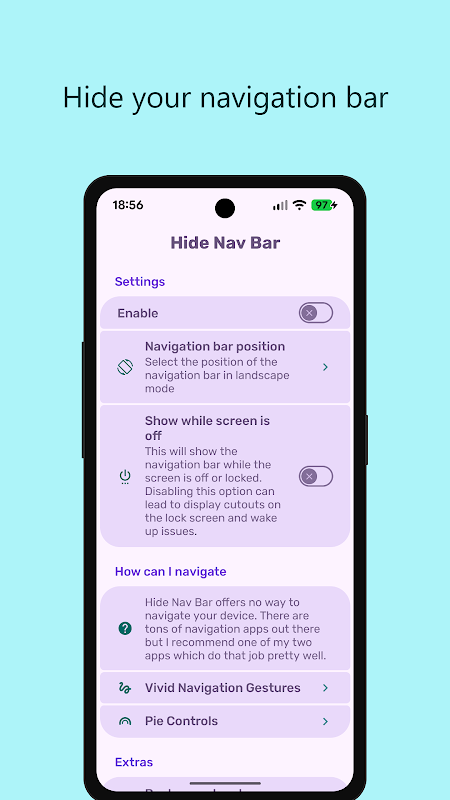
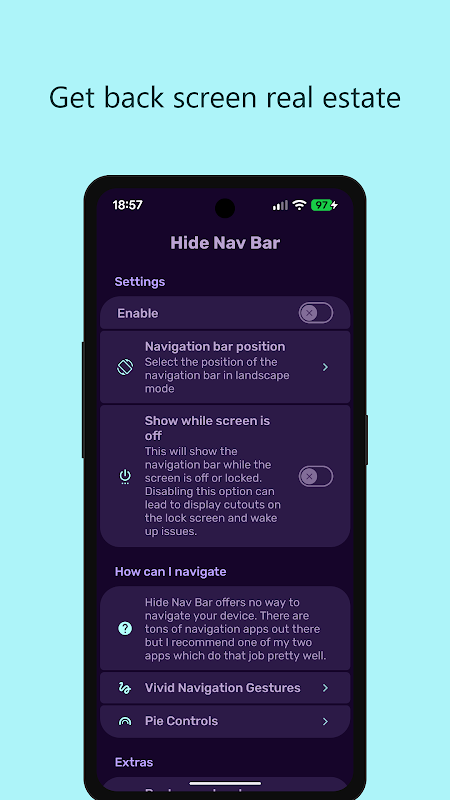
عن التطبيق
غير مدعوم اعتبارًا من Android 11
هذا التطبيق لا يعمل على Android 11 والإصدارات الأحدث لأن Google أزالت القدرة
للتطبيقات للقيام بذلك. يتم توفير مزيد من المعلومات هنا: https://bit.ly/3z62OBn
تحذير
هذا التطبيق مخصص للمستخدمين المتقدمين فقط. يجب عليك استخدام جهاز كمبيوتر لمنح إذن WRITE_SECURE_SETTINGS مع ADB.
لاحظ أن ADB هو مجرد أداة للمطورين ولن يبطل الضمان على عكس الجذر.
إذا كان جهازك متجذرًا ، فيمكنك منح الإذن بنقرة واحدة فقط.
أخيرًا تخلص من "شريط التنقل"
هل تريد استخدام أحد تطبيقات التنقل الجديدة الرائعة هذه لاستخدام جهازك بطريقة مستقبلية؟
أو تريد الحصول على مساحة شاشة أكبر بقليل؟
لكن لا يمكنك التخلص من "شريط التنقل"؟
باستخدام "إخفاء شريط التنقل" ، من الممكن إخفاء "شريط التنقل"
دعم تطبيقات الأتمتة
يمكنك إرسال عمليات البث إلى "إخفاء شريط التنقل" باستخدام تطبيقات التشغيل الآلي المفضلة لديك مثل "تاسكر"
لإخفاء "شريط التنقل" فقط عندما تريد ذلك.
تعليمات Android ADB PC
1 - تمكين وضع المطور في إعدادات Android.
2 - تمكين تصحيح أخطاء USB
3 - قم بإعداد ADB على جهاز الكمبيوتر الخاص بك
4 - قم بتشغيل أمر adb التالي لمنح الإذن:
adb shell pm منح com.ivianuu.hidenavbar android.permission.WRITE_SECURE_SETTINGS
لاستعادة مفاتيح التنقل ، قم بتعطيل التطبيق أو قم بتشغيل هذا الأمر:
adb shell wm overcan 0،0،0،0
كيفية تثبيت ADB
المأجورون الأداة - https://bit.ly/3uT9iAo
لايف هاكر - https://bit.ly/3x8LQAN
مطورو Xda - https://bit.ly/3x40usM
الروابط
رديت:
https://bit.ly/3comOFJ
معلومات إضافية
تاريخ التحديث
2026-10-05الإصدار
0.4.2الحجم
3.58 ميجابايتالمطور
Manuel Wrageivianuu@gmail.com
تصنيف المحتوى
Everyoneالحزمة
com.ivianuu.hidenavbarالتوقيع (MD5)
1f1c8caef11920b56b40b6a7c2cddb0a