0.0
٥ مليونتنزيل
32.88 ميجابايتالحجم
موقّع وموثوق
لقطات الشاشة
عن التطبيق
AirMirror now features 2 function: Remote Control and Remote Support.
Remote Support
You can easily assist your friend or family to solve mobile device issue through Remote Support.
*This function needs AirDroid Remote Support installed on the other end.
Overview:
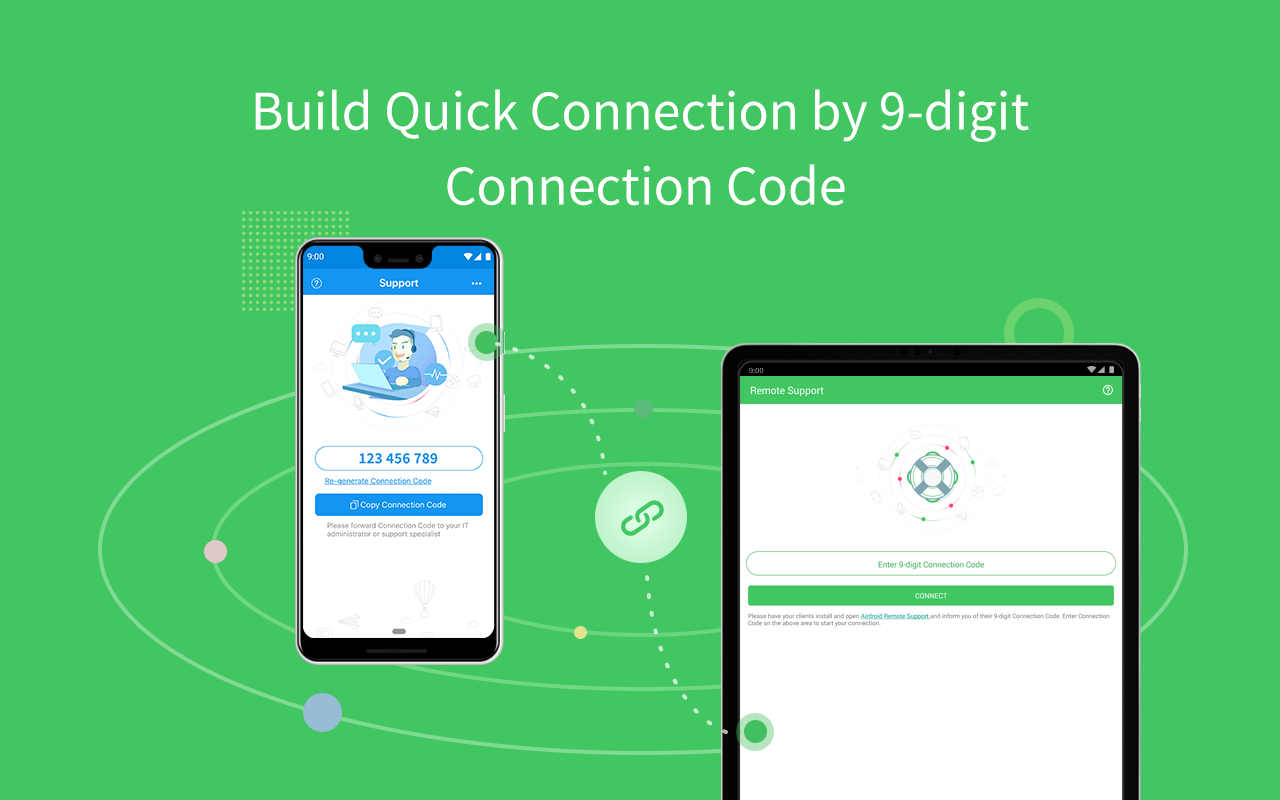
Quick Connection by 9-digit Connection Code
No account is required, your friend or family can connect to you simply by their 9-digit Connection Code.
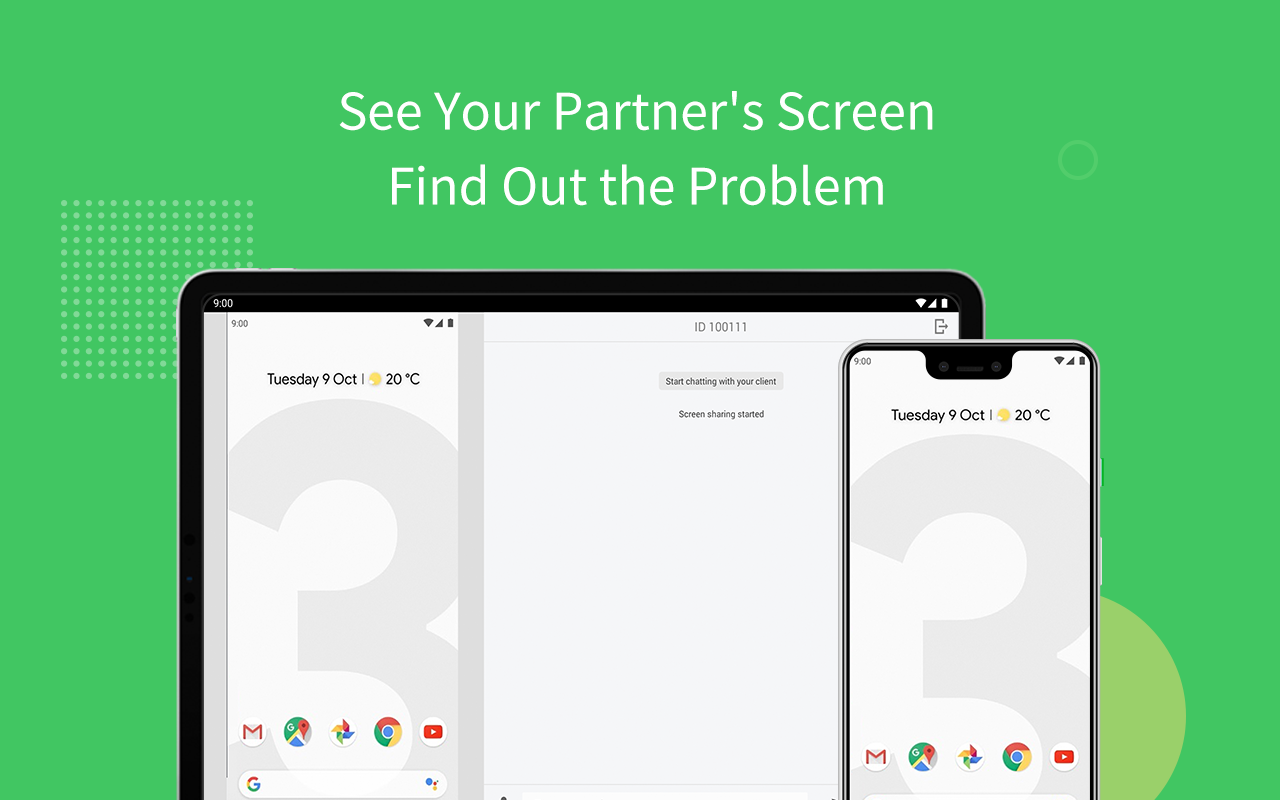
Screen Sharing
Send the screen sharing request with one tap, and you can see the device screen in real-time.
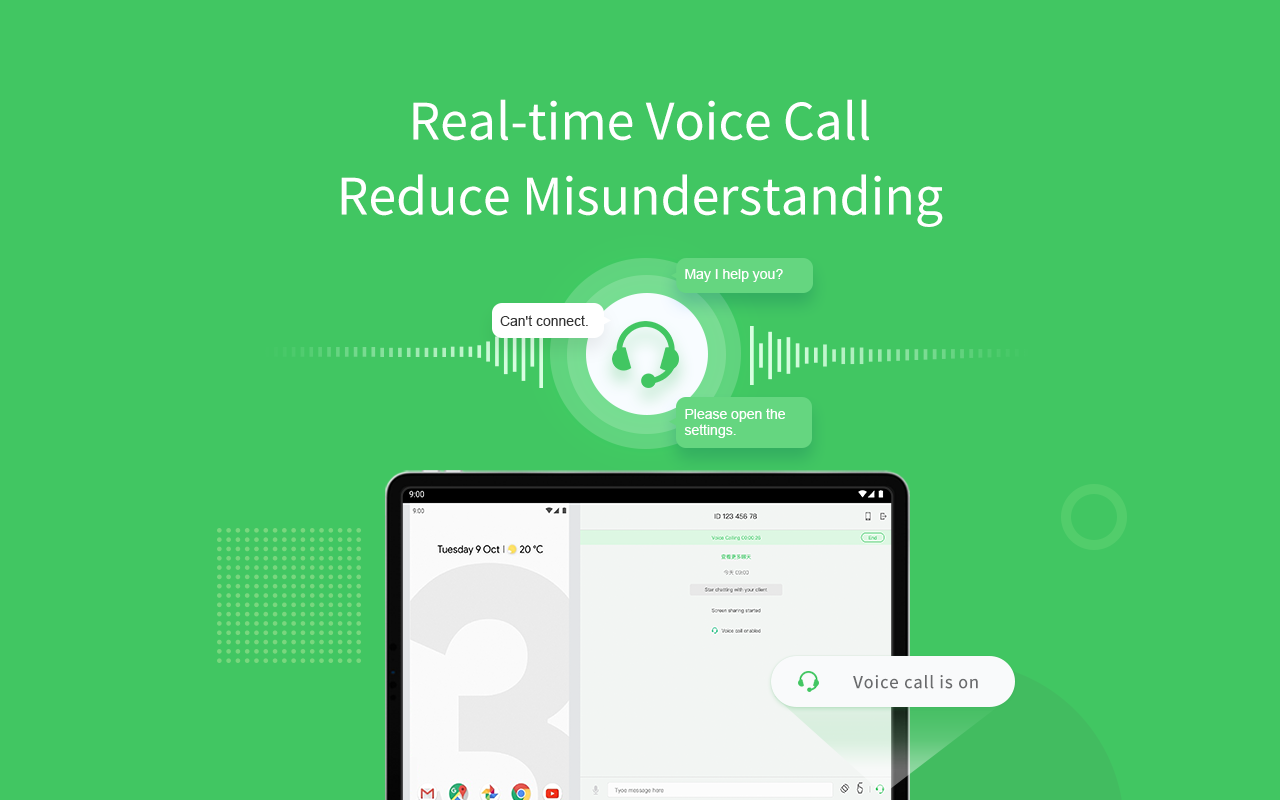
Voice Call
AirMirror provides clear voice communication, you can simply call and talk, saving time for texting.
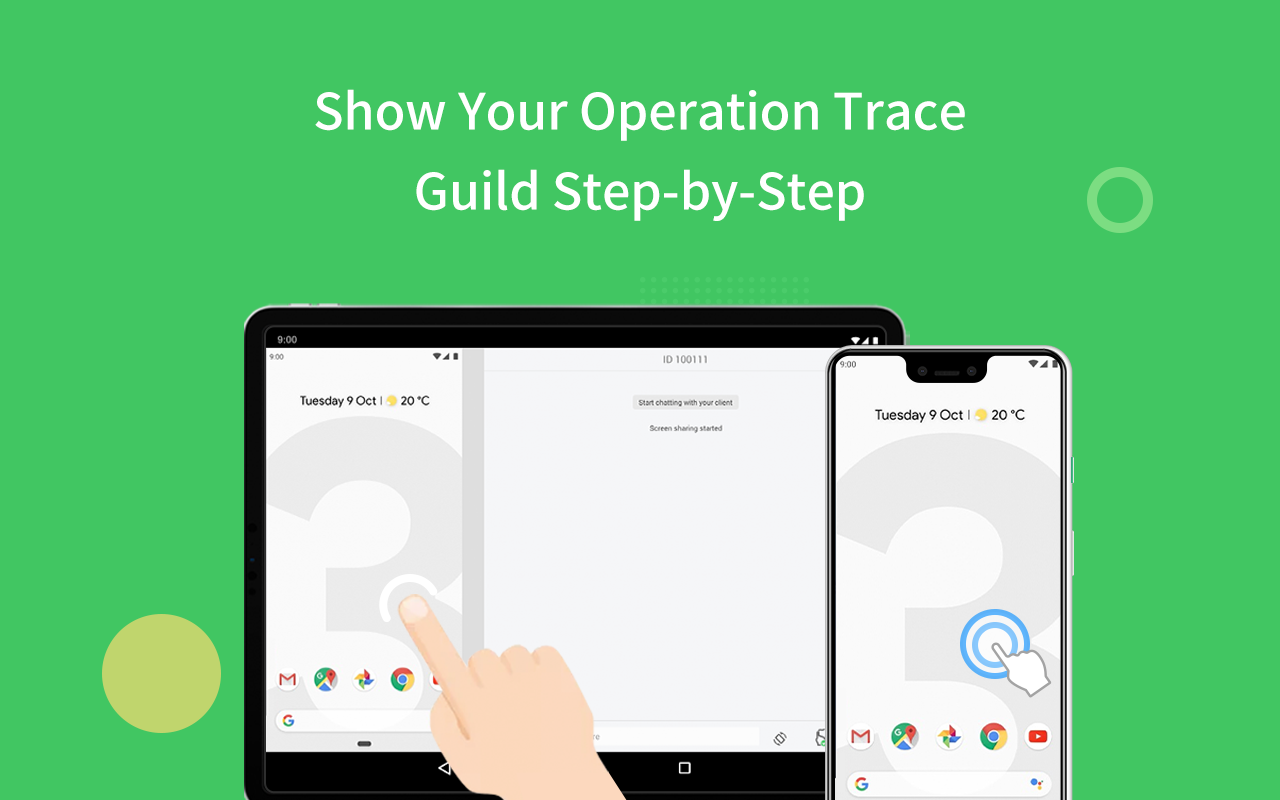
Tutorial Gesture
Swipe or tap on the shared screen, the Tutorial Gesture will show on your friend or familyˇs device. Follow to easily solve the problem.
Voice Message and Text
If you are under a surrounding not suitable for making a call, you can still communicate through sending texts, pictures and voice messages.
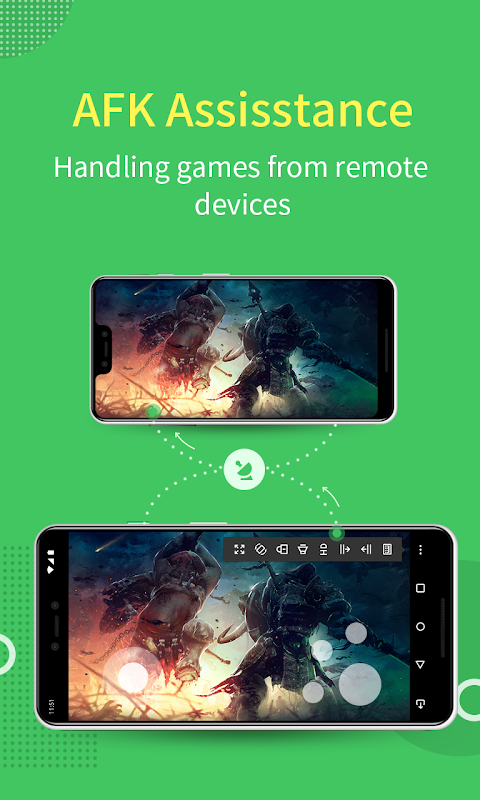
Remote Control
AirMirror fulfill the goal to control one Android phone with another phone.
*This function needs AirDroid installed on the other end, and log in with the same email account.
You can apply AirMirror with the following function:
Remote Control
Directly control another phone/tablet, do whatever you like, no matter where this device is.
*If the controlled device is not rooted, it is required to process non-root setting through AirDroid PC beforehand.
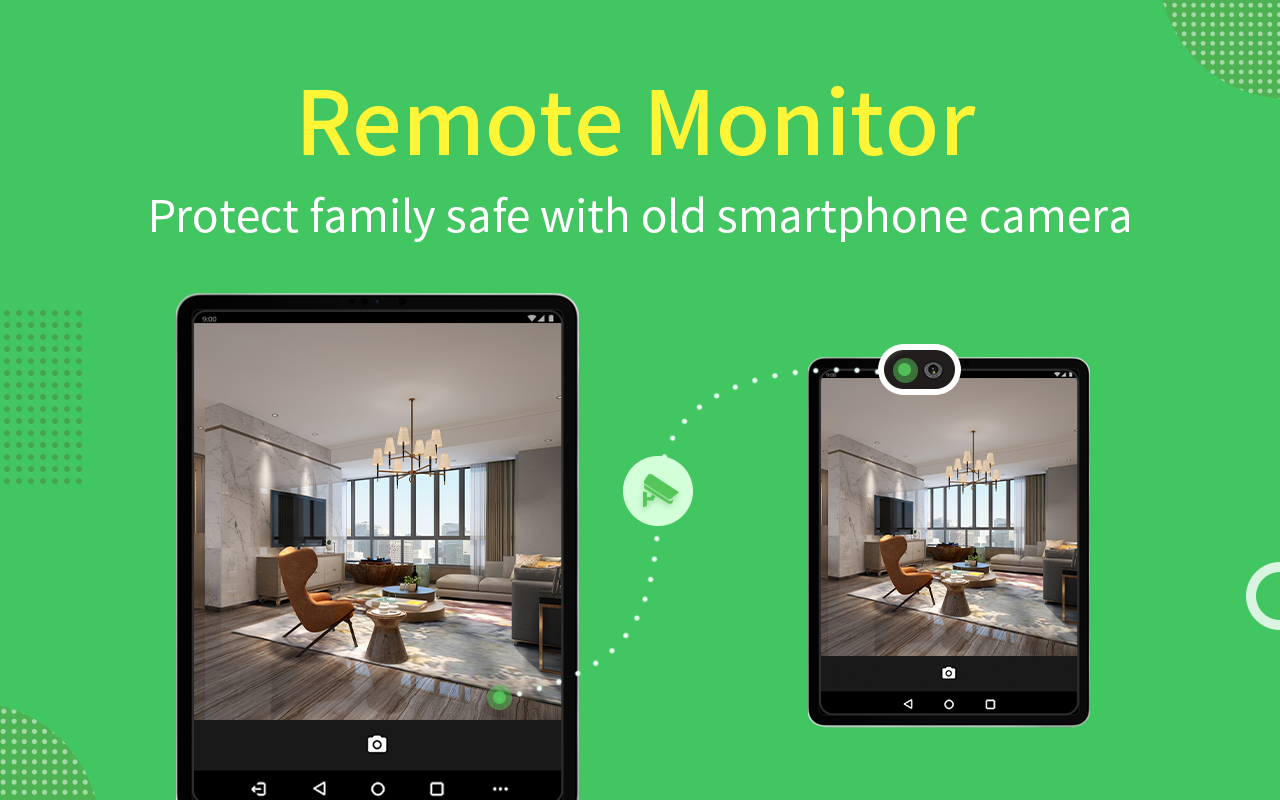
Remote Camera
Access another phoneˇs view from either front camera or rear camera. You can put this phone as a family security camera, guarding your familyˇs safety.
Observation Mode
Check your deviceˇs screen anytime in real-time.
*If you want to control Android device through PC, you can use AirDroid PC.
AirMirror facilitates your life. If there is any problem during your experience in AirMirror , feel free to give us feedback anytime.
Thank you very much for your support to AirMirror!
يتميز AirMirror الآن بوظيفتين: التحكم عن بُعد والدعم عن بُعد.
الدعم عن بُعد
يمكنك بسهولة مساعدة صديقك أو عائلتك في حل مشكلة الجهاز المحمول من خلال الدعم عن بُعد.
* تحتاج هذه الوظيفة إلى دعم AirDroid Remote مثبت على الطرف الآخر.
نظرة عامة:
اتصال سريع بواسطة رمز الاتصال المكون من 9 أرقام
لا يوجد حساب مطلوب ، يمكن لصديقك أو عائلتك الاتصال بك ببساطة عن طريق رمز الاتصال المكون من 9 أرقام.
مشاركة الشاشة
أرسل طلب مشاركة الشاشة بنقرة واحدة ، ويمكنك رؤية شاشة الجهاز في الوقت الفعلي.
مكالمة صوتية
يوفر AirMirror اتصالات صوتية واضحة ، يمكنك ببساطة الاتصال والتحدث ، وتوفير الوقت للرسائل النصية.
لفتة تعليمي
اسحب أو اضغط على الشاشة المشتركة ، ستظهر لفتة البرنامج التعليمي على جهاز صديقك أو عائلتك. اتبع لحل المشكلة بسهولة.
رسالة صوتية ونص
إذا كنت تحت محيط غير مناسب لإجراء مكالمة ، فلا يزال بإمكانك التواصل من خلال إرسال النصوص والصور والرسائل الصوتية.
التحكم عن بعد
يحقق AirMirror هدف التحكم في هاتف Android واحد باستخدام هاتف آخر.
* هذه الوظيفة تحتاج إلى تثبيت AirDroid على الطرف الآخر ، وتسجيل الدخول بنفس حساب البريد الإلكتروني.
يمكنك تطبيق AirMirror مع الوظيفة التالية:
جهاز التحكم
تحكم مباشرة في هاتف / كمبيوتر لوحي آخر ، افعل ما تريد ، بغض النظر عن مكان وجود هذا الجهاز.
* إذا لم يكن الجهاز المتحكم فيه متجذرًا ، فيجب عليه معالجة الإعداد غير الجذر من خلال AirDroid PC مسبقًا.
الكاميرا عن بعد
الوصول إلى عرض هاتف آخر من الكاميرا الأمامية أو الكاميرا الخلفية. يمكنك وضع هذا الهاتف ككاميرا أمنية للعائلة ، تحمي سلامة عائلتك.
وضع المراقبة
تحقق شاشة جهازك في أي وقت في الوقت الحقيقي.
* إذا كنت تريد التحكم في جهاز Android من خلال جهاز الكمبيوتر ، يمكنك استخدام AirDroid PC.
AirMirror يسهل حياتك. إذا كانت هناك أي مشكلة أثناء تجربتك في AirMirror ، فلا تتردد في تزويدنا بتعليقات في أي وقت.
شكرا جزيلا لدعمكم AirMirror!
معلومات إضافية
تاريخ التحديث
2026-10-06الإصدار
1.0.5.0الحجم
32.88 ميجابايتالمطور
SAND STUDIOsupport@airdroid.com
تصنيف المحتوى
Everyoneالحزمة
com.sand.airmirrorالتوقيع (MD5)
1cce2110ce82adefd809b08fda77c11e