Call Recorder
2.0
١٧٩ ألفتنزيل
4.05 ميجابايتالحجم
موقّع وموثوق
لقطات الشاشة
عن التطبيق
<b>UNINSTALL A TRIAL VERSION BEFORE PURCHASE</b>
<b>Please, read the description. There's a link to a trial version!</b>
<b>OK, Google from any screen can cause the problem with recording!</b>
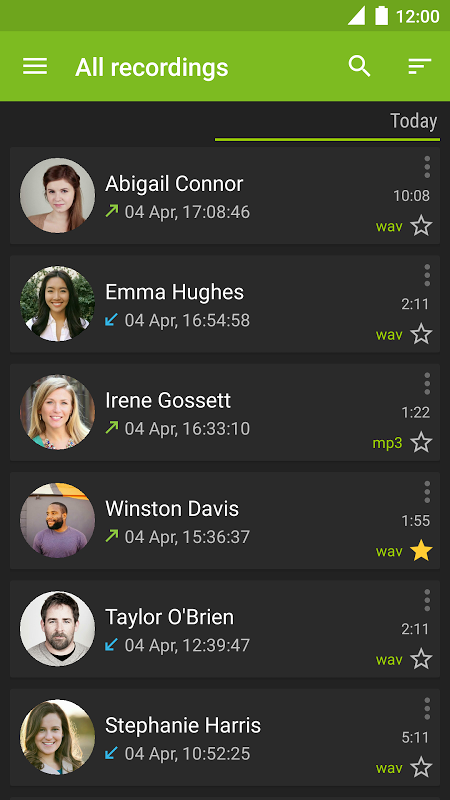
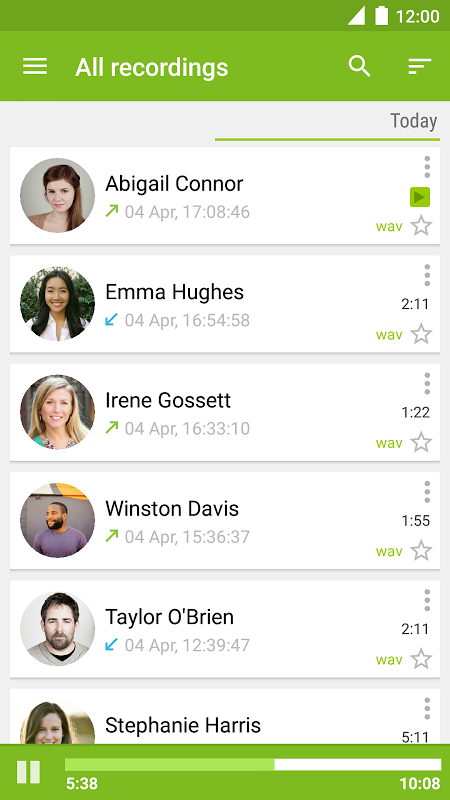
The app is intended for automatic call recording from the phone line where supported by hardware and kernel.
Root access is a must for many phones, as manufacturers often won’t implement the required functionality.
<b>There are 4 recording methods:</b>
- Standard API
- CAF (root required)
- ALSA (root requried)
- Kernel (root required)
<b>Standard API</b> - method which doesn’t require root access. Check out every audio source before using. Many phones support recording using this method, from the microphone only (audio source “Microphone” should be selected).
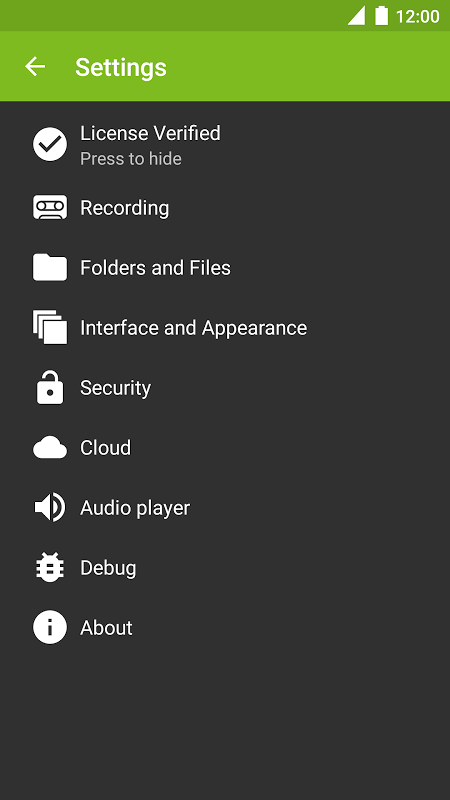
<b>CAF</b> and <b>ALSA</b> - both methods require root access. Device settings in settings → recording are very important here. If your phone isn’t listed, select a device which has the same chipset as yours. The main difference between CAF and ALSA is that CAF doesn’t require ALSA installation, and supports more functions.
<b>Kernel</b> - recording method for phones based on old chipsets by Qualcomm; root is required. This method doesn’t guarantee 2 way call recording.
<b>Which recording method is better?</b>
Neither recording method can ensure that your calls will be recorded from the line; this is phone-specific. And you have to try and find out the one that fits your phone if it’s not auto-detected.
<b>Where can I download a trial version?</b>
On xda-developers.com: <a href="https://www.google.com/url?q=https://www.google.com/url?q%3Dhttp://goo.gl/u690rm%26sa%3DD%26usg%3DAFQjCNG5tXUhLc4Nd5Nraw4z7sgliNU57Q&sa=D&usg=AFQjCNGX0Jgt8cymgdUGf0dk4Sn1BQBDmg" target="_blank">http://goo.gl/u690rm</a>
<b>Features</b>
• In call control
• Call confirm
• Exceptions
• After call actions dialog
• Search recordings
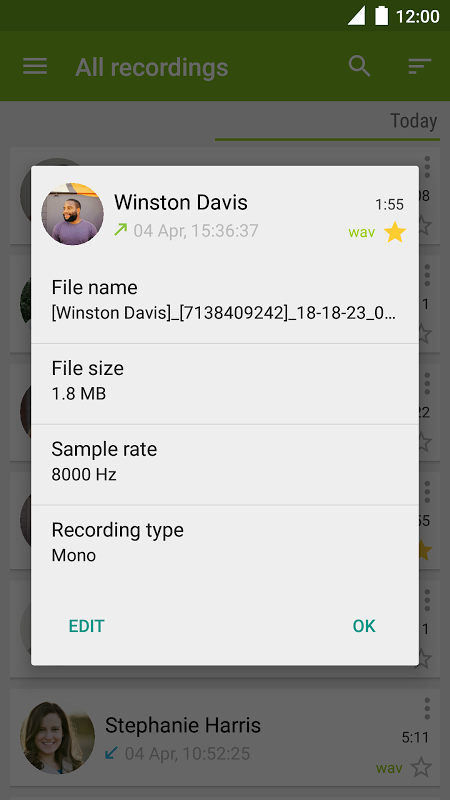
• Edit info about recordings
• Volume control
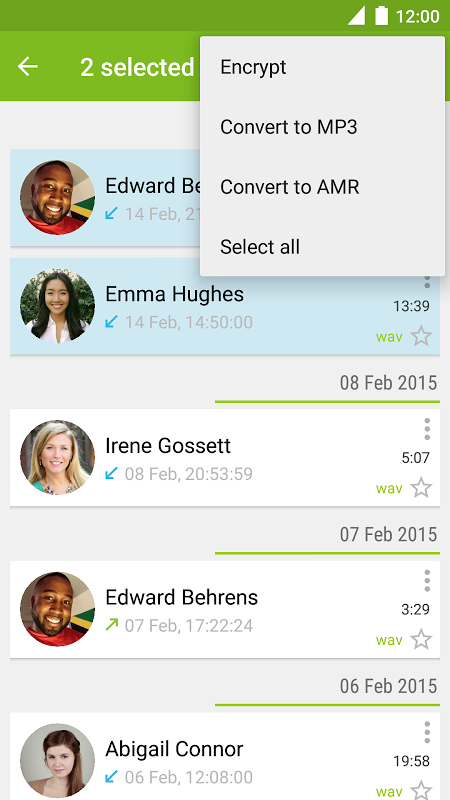
• WAV, AMR, MP3
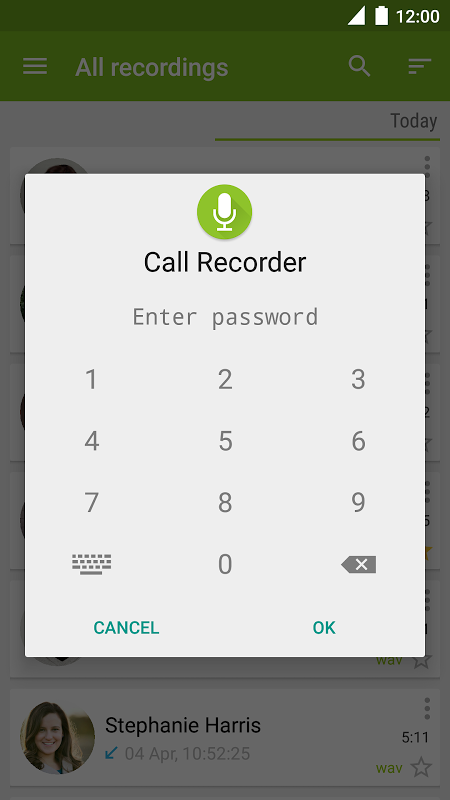
• Manual encryption for WAV recordings
</div> <div class="id-app-translated-desc" style="display:none"><font color="# FF0000"> <b> Avinstallera en testversion FÖR KÖP
<font color="# FF0000"> <b> Snälla, läsa beskrivningen. Det finns en länk till en testversion!
<b> OK, Google från alla skärmar kan orsaka problem med inspelningen!
Appen är avsedd för automatisk samtalsinspelning från telefonlinjen biträds av hårdvara och kärnan.
Root-access är ett måste för många telefoner, eftersom tillverkarna ofta inte kommer att genomföra erforderlig funktionalitet.
<b> Det finns fyra inspelningsmetoder:
- Standard API
- CAF (root krävs)
- ALSA (root requried)
- Kernel (root krävs)
<b> Standard API - metod som inte kräver root-access. Kolla in alla ljudkälla innan du använder. Många telefoner stöder inspelning med den här metoden, från mikrofonen enbart (ljudkälla "Mikrofon" bör väljas).
<b> CAF och <b> ALSA - båda metoderna kräver root-access. Enhetsinställningar i inställningarna & rarr; inspelning är väldigt viktigt här. Om din telefon inte finns med i listan, välj en enhet som har samma chipset som din. Den huvudsakliga skillnaden mellan CAF och ALSA är att CAF inte kräver ALSA installation och stödjer fler funktioner.
<b> Kernel - inspelningsmetod för telefoner baserade på gamla chipset från Qualcomm; rot krävs. Denna metod garanterar inte 2 sätt samtalsinspelning.
<b> Vilken inspelningsmetod är bäst?
Varken inspelningsmetod kan garantera att dina samtal kommer att spelas in från linjen; detta är telefonen specifik. Och du måste försöka ta reda på den som passar din telefon om det inte automatiskt upptäcks.
<b> Var kan jag ladda ner en testversion?
På xda-developers.com: <a href="https://www.google.com/url?q=http://goo.gl/u690rm&sa=D&usg=AFQjCNG5tXUhLc4Nd5Nraw4z7sgliNU57Q" target="_blank">http://goo.gl/u690rm</a>
<b> Funktioner
& Bull; I samtalskontroll
& Bull; Samtals confirm
& Bull; Undantag
& Bull; Efter dialogsamtals åtgärder
& Bull; Sök inspelningar
& Bull; Redigera info om inspelningar
& Bull; Volymkontroll
& Bull; WAV, AMR, MP3
& Bull; Manuell kryptering för WAV inspelningar</b>
</b>
</b>
</b>
</b></b>
</b>
</b>
</b>
</b></font>
</b></font></div> <div class="show-more-end">
معلومات إضافية
تاريخ التحديث
2021-02-07الإصدار
2.0.5الحجم
4.05 ميجابايتالمطور
SKVALEX Appsskvalex+cr@gmail.com
تصنيف المحتوى
Everyoneالحزمة
com.skvalex.callrecorderالتوقيع (MD5)
eef2649d90f2709ac22c8ee398a54772