م

متجر التطبيقات

صورة Imaging Edge Mobile
Imaging Edge Mobile

Imaging Edge Mobile

appupdatersonyالإصدار 7.6.0
0.0
١٠ مليونتنزيل
37.56 ميجابايتالحجم
موقّع وموثوق

لقطات الشاشة
Screenshot 1
Screenshot 2
Screenshot 3
Screenshot 4
Screenshot 5
Screenshot 6
Screenshot 7

عن التطبيق

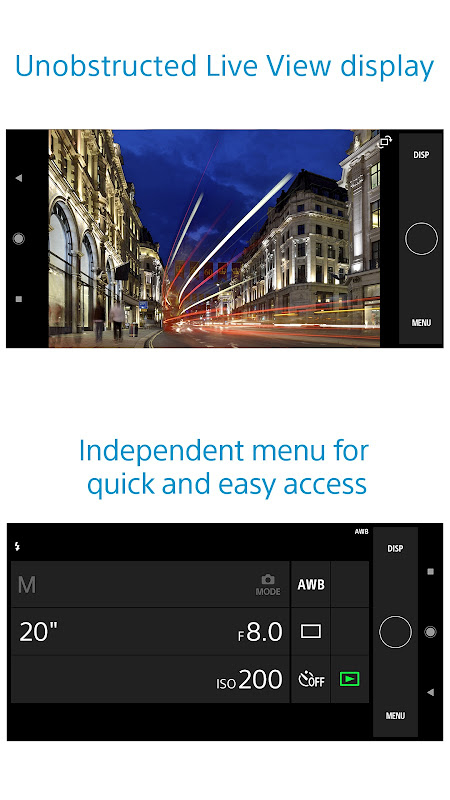
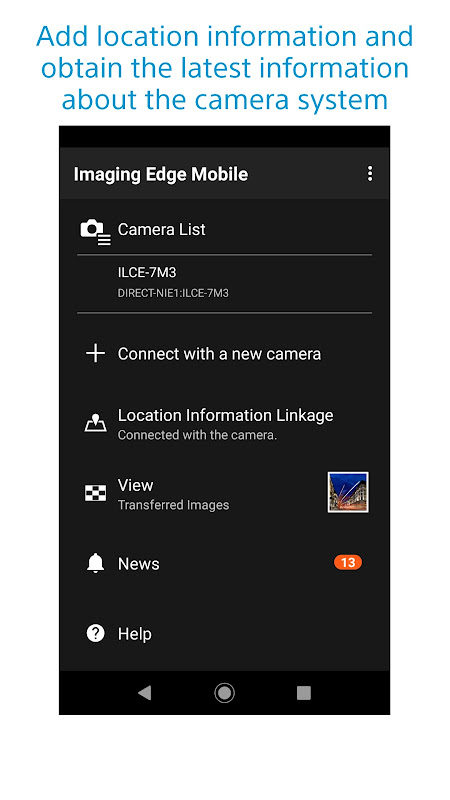
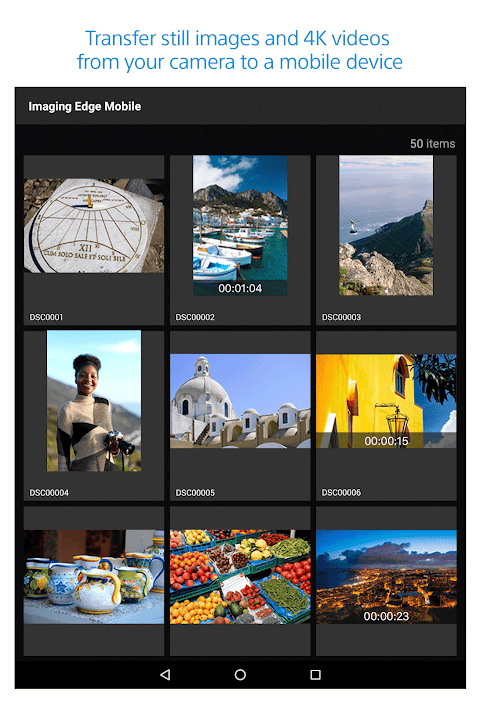
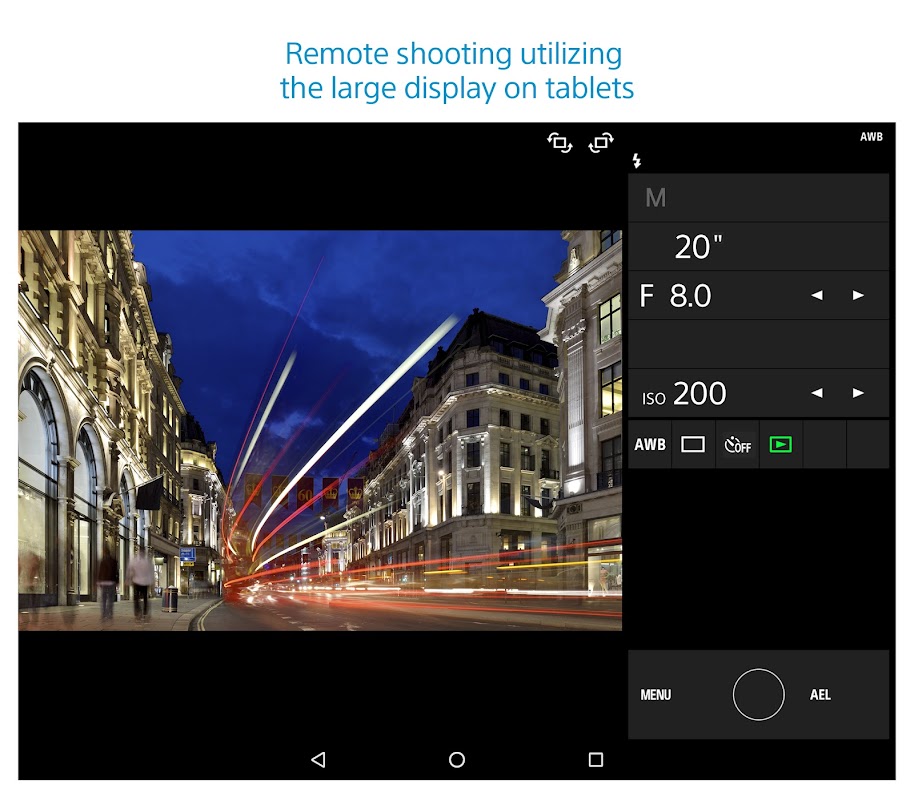
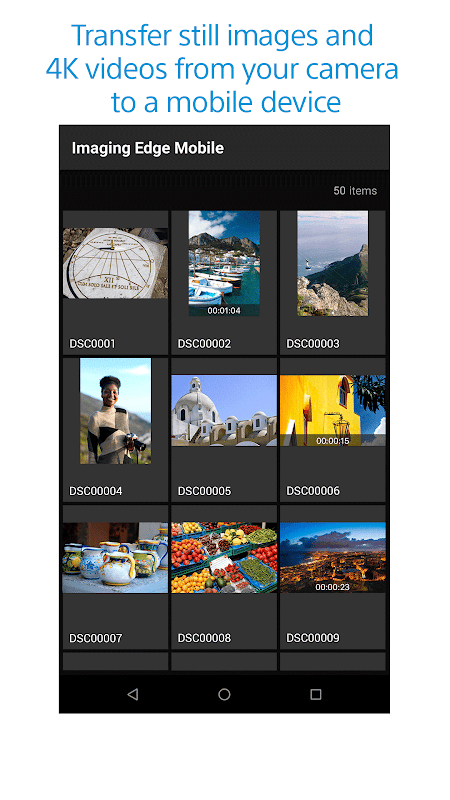
Imaging Edge Mobile allows images/videos to be transferred to a smartphone/tablet, enables remote shooting, and provides location information to images captured by a camera. ■ Transfer images from a camera to a smartphone - You can transfer images/videos. - The selection and transfer of images after shooting are no longer needed as the automatic background transfer function allows images to be transferred to a smartphone as they are captured. *1 - High bit rate video files including 4K can be transferred. *2 - You can view and transfer images in your camera from your smartphone even when the camera is turned off. *2 - After transferring, you can immediately share your high quality images on social networks or through email. *1 See here for supported cameras. Files are imported in 2MP size when using this function. https://www.sony.net/dics/iem12/ *2 See here for supported cameras. Availability of video transfer and playback varies depending on smartphone in use. https://www.sony.net/dics/iem12/ ■ Remote shooting of a camera using a smartphone - You can capture photos/videos remotely while checking the live view of a camera on a smartphone. *3 This is convenient for capturing night views or water flowing scenes which need long-exposure, or macro shooting in which you need to avoid to directly touch the camera. *3 Models that support PlayMemories Camera Apps can use this feature by installing "Smart Remote Control" (in-camera app) on your camera in advance. http://www.sony.net/pmca/ ■ Record location information - With cameras that have a location information linkage function, the location information acquired by the smartphone can be added to the captured image in your camera. For supported models and detailed operation methods, see the support page below. https://www.sony.net/dics/iem12/ - Even with cameras that do not have a location information linkage function, it is possible to add location information acquired by your smartphone to the photos saved on your smartphone during remote shooting. ■Save and Apply Settings - You can save up to 20 camera settings in Imaging Edge Mobile. You can also apply a saved setting to a camera. *4 *4 See here for supported cameras. Save and Apply Settings are supported only for cameras with the same model name. https://www.sony.net/dics/iem12/ ■ Notes - Supported operating systems: Android 6.0 to 10.0 - This app is not guaranteed to work with all smartphones/tablets. - Features/Functions available for this app vary depending on the camera you are using. - For supported models and information on features/functions, see the support page below. https://sony.net/iem/ يسمح Imaging Edge Mobile بنقل الصور / الفيديو إلى هاتف ذكي / جهاز لوحي ، وتمكين التصوير عن بُعد ، ويوفر معلومات الموقع للصور الملتقطة بواسطة الكاميرا. ■ نقل الصور من الكاميرا إلى الهاتف الذكي - يمكنك نقل الصور / الفيديو. - لم تعد هناك حاجة إلى اختيار الصور ونقلها بعد التصوير لأن وظيفة النقل التلقائي للخلفية تسمح بنقل الصور إلى هاتف ذكي عند التقاطها. * 1 - يمكن نقل ملفات الفيديو بمعدل بت عالية بما في ذلك 4K. * 2 - يمكنك عرض الصور ونقلها في الكاميرا من هاتفك الذكي حتى عند إيقاف تشغيل الكاميرا. * 2 - بعد النقل ، يمكنك مشاركة صورك عالية الجودة فورًا على الشبكات الاجتماعية أو عبر البريد الإلكتروني. * 1 انظر هنا للحصول على الكاميرات المدعومة. يتم استيراد الملفات بحجم 2MP عند استخدام هذه الوظيفة. https://www.sony.net/dics/iem12/ * 2 انظر هنا للحصول على الكاميرات المدعومة. يختلف توفر نقل الفيديو وتشغيله اعتمادًا على الهاتف الذكي المستخدم. https://www.sony.net/dics/iem12/ shooting التصوير عن بعد للكاميرا باستخدام الهاتف الذكي - يمكنك التقاط الصور / الفيديو عن بعد أثناء التحقق من العرض المباشر للكاميرا على الهاتف الذكي. * 3 يعد هذا ملائمًا لالتقاط مشاهد ليلية أو مشاهد تتدفق بالماء والتي تحتاج إلى التعرض الطويل ، أو تصوير الماكرو الذي تحتاج إلى تجنب لمس الكاميرا مباشرة. * 3 النماذج التي تدعم تطبيقات PlayMemories Camera يمكن أن تستخدم هذه الميزة عن طريق تثبيت "التحكم عن بعد الذكي" (تطبيق داخل الكاميرا) على الكاميرا مسبقًا. http://www.sony.net/pmca/ ■ سجل معلومات الموقع - مع الكاميرات التي لها وظيفة ربط معلومات الموقع ، يمكن إضافة معلومات الموقع التي حصل عليها الهاتف الذكي إلى الصورة الملتقطة في الكاميرا. للاطلاع على الطرز المدعومة وطرق التشغيل التفصيلية ، انظر صفحة الدعم أدناه. https://www.sony.net/dics/iem12/ - حتى مع الكاميرات التي لا تحتوي على وظيفة ربط معلومات الموقع ، يمكن إضافة معلومات الموقع التي حصل عليها هاتفك الذكي إلى الصور المحفوظة على هاتفك الذكي أثناء التصوير عن بُعد. ■ حفظ وتطبيق الإعدادات - يمكنك حفظ ما يصل إلى 20 من إعدادات الكاميرا في Imaging Edge Mobile. يمكنك أيضًا تطبيق إعداد محفوظ على الكاميرا. * 4 * 4 انظر هنا للحصول على الكاميرات المدعومة. حفظ وتطبيق الإعدادات مدعومة فقط للكاميرات التي تحمل نفس اسم الطراز. https://www.sony.net/dics/iem12/ ■ ملاحظات - أنظمة التشغيل المدعومة: أندرويد 6.0 إلى 10.0 - لا يضمن هذا التطبيق للعمل مع جميع الهواتف الذكية / الأجهزة اللوحية. - تختلف الميزات / الوظائف المتاحة لهذا التطبيق وفقًا للكاميرا التي تستخدمها. - للاطلاع على الطرز والمعلومات المدعومة بشأن الميزات / الوظائف ، انظر صفحة الدعم أدناه. https://sony.net/iem/

معلومات إضافية

تاريخ التحديث
2026-03-10
الإصدار
7.6.0
الحجم
37.56 ميجابايت
المطور
Sony CorporationInfo-pmm@jp.sony.com
تصنيف المحتوى
Everyone
الحزمة
com.sony.playmemories.mobile
التوقيع (MD5)
1030c6057515b5da52af5c3d70f8d228

إصدارات سابقة

7.4.12020-12-11 • 20.47 ميجابايت
تحميل
6.3.02019-04-30 • 12.18 ميجابايت
تحميل