أداة بلوتوث: توصيل صوتي سهل
4.5
٥ مليونتنزيل
24.95 ميجابايتالحجم
موقّع وموثوق
لقطات الشاشة
عن التطبيق
إذا كنت ترغب في الاستماع إلى الموسيقى، تحتاج الدخول إلى الإعدادات، اللاسلكي، البلوتوث ثم تقوم بتوصيل أو إلغاء الاتصال بمكبر الصوت الخاص بك؟ إنه أمر معقد ومزعج. لدي حل أفضل.
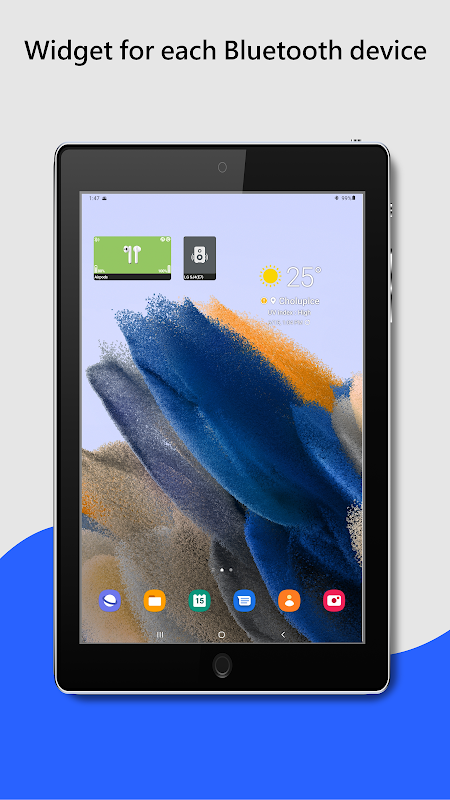
نقرة واحدة على أداة توصيل أجهزة البلوتوث الصوتية وستتمكن من تشغيل سبوتيفاي دون الحاجة إلى الدخول إلى قائمة الإعدادات. تشير أيقونة البلوتوث الموجود على الأداة إلى حالة الاتصال. أيقونة زرقاء تعني متصل، أيقونة رمادية تعني تغيير الحالة (توصيل / إلغاء الاتصال). يمكنك ضبط حجم الأداة قليلا في إعدادات التطبيق أو مباشرة على الشاشة 1 × 1، 1 × 2 وما إلى ذلك.
يدعم التطبيق ملف تعريف A2DP و سماعات الرأس، أجهزة الصوت مثل السماعات المحمولة، ومكبرات الصوت، ، والأجهزة اللايدوية، إلخ.. يوجد في التطبيق ملف تعريف مدعوم للجهاز يشير إلى أيقونة صغيرة في الزاوية العلوية اليمنى.
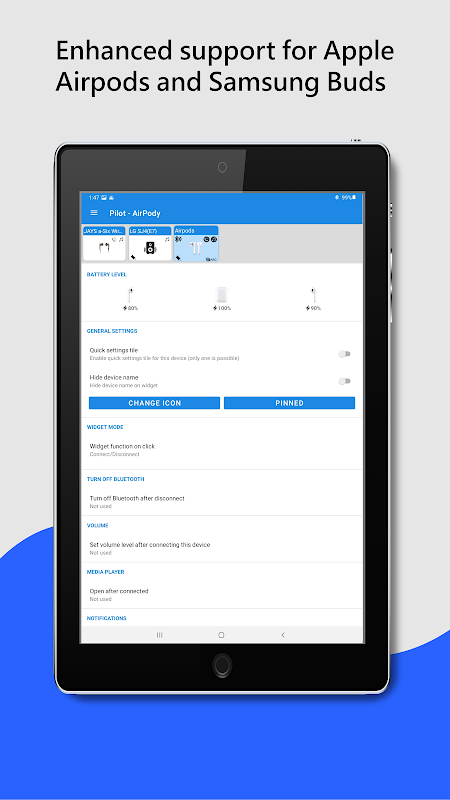
أيقونة ملاحظات A2DP - بث صوت عالي الجودة (موسيقى) أو أيقونة الهاتف للمكالمات. بالنسبة للأجهزة المدعومة، يتم عرض مستوى البطارية على الأداة (يتطلب إصدار أندرويد 8.1 وما فوق).
يمكنك أيضا حفظ مستويات الصوت لأجهزة البلوتوث المختلفة. بعد الاتصال، يستعيد التطبيق مستوى الصوت المحفوظ.
لون الخط = "# FF0000"> > شيء ما لا يعمل؟
يرجى التحقق من
تطبيق ويب
، يمكنك إيجاد صفحة المساعدة والأسئلة الشائعة هناك.
تحقق أيضا من إعدادات توفير البطارية. يمكنك العثور على المساعدة
هنا
(https://dontkillmyapp.com).
كيفية البدء:
1. قم بإقران جهاز الصوت الخاص بك (A2DP ، يدوي) في إعدادات الأندرويد. يستخدم التطبيق بالفعل أجهزة البلوتوث المقترنة.
2. أضف الأداة إلى الجهاز الذي حددته.
أبرز المميزات:
✔️ سهولة الاتصال/إلغاء الاتصال للجهاز
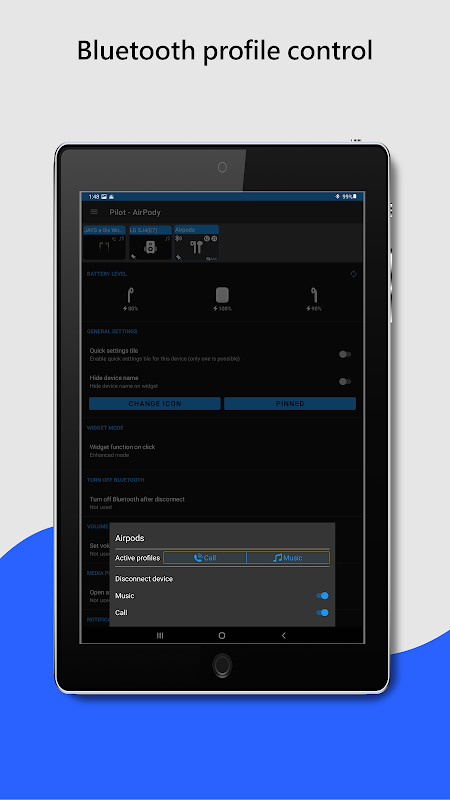
✔️ سهولة الاتصال/إلغاء الاتصال لملفات تعريف البلوتوث (المكالمات والموسيقى)
✔️ معلومات حول الملفات التعريفية المتصلة
✔️ حالة البطارية (يحتاج إلى إصدار أندرويد 8.1)
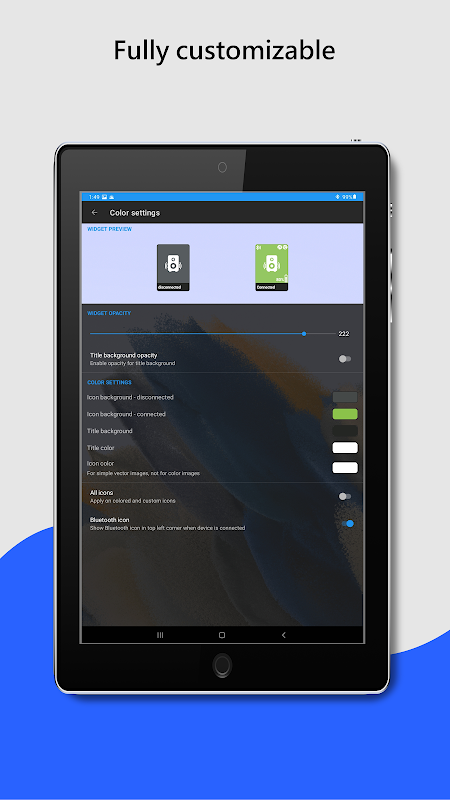
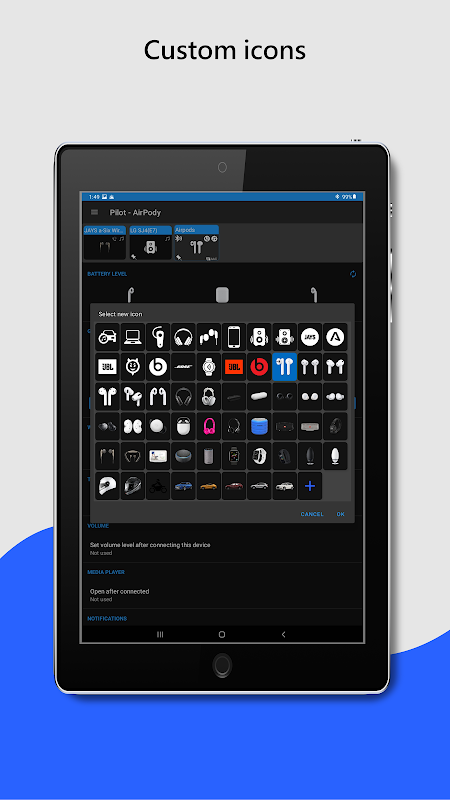
✔️ التخصيص – الألوان، الصورة، الشفافية، الحجم
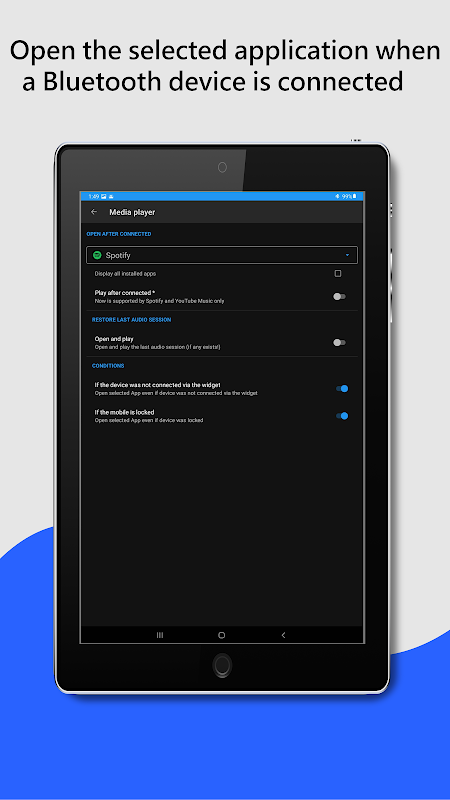
✔️ فتح التطبيق بعد الاتصال
✔️ تعطيل محول البلوتوث بعد فصل جهاز البلوتوث
✔️ ضبط مستوى الصوت بعد توصيل جهاز البلوتوث
✔️ النقر مرتين لتعيين الجهاز المفعل (إصدار أندرويد 10 فقط)
المميزات غير المعتمدة:
❌ تشغيل الموسيقى من هاتفك إلى جهازي بلوتوث متصلين - هذا غير ممكن على أندرويد الآن للأسف
❌ ماسح البلوتوث - يستخدم التطبيق بالفعل أجهزة البلوتوث المقترنة!
إذا أعجبك تطبيقي، فيرجى تخصيص دقيقة من وقتك لكتابة تعليق أو منحني تقييما.
☆☆☆☆☆👍. إذا لم يكن كذلك، فلا تتردد في التواصل معي. أنا متأكد من أننا يمكن أن نصل إلى حل :-)
معلومات إضافية
تاريخ التحديث
2026-09-19الإصدار
3.1.1الحجم
24.95 ميجابايتالمطور
Tomas Hadrabatomashadraba@gmail.com
تصنيف المحتوى
Everyoneالحزمة
com.tom.bluetoothDevicesWidgetالتوقيع (MD5)
d78b90fc9ceb48c3c8d1120c81c5f1ca