Mutsapper - نقل تطبيق الدردشة
0.0
٥ مليونتنزيل
38.32 ميجابايتالحجم
موقّع وموثوق
لقطات الشاشة
عن التطبيق
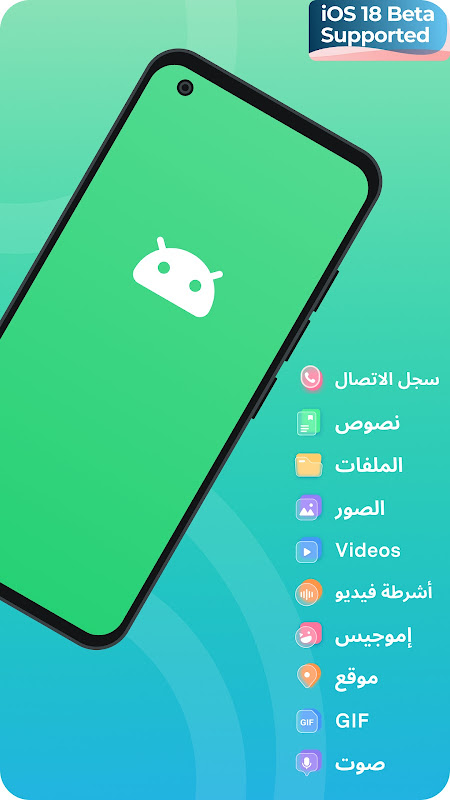
Mutsapper (Wutsapper) - يدعم تطبيق WhatsApp Transfer نقل أنواع مختلفة من بيانات الدردشة مثل الرسائل وجهات الاتصال والصور والملفات والرموز التعبيرية والملصقات والمزيد بأسهل الطرق وأكثرها فعالية في أي مكان. باستخدام أداة نقل WhatsApp هذه، يمكنك نقل جميع بيانات WhatsApp الموجودة على التطبيقات الاجتماعية بين Android وiPhone بدون جهاز كمبيوتر.
الميزات الرئيسية
🔥 نقل الواتس اب
● نقل بيانات WhatsApp بسهولة بين Android وiOS بدون جهاز كمبيوتر
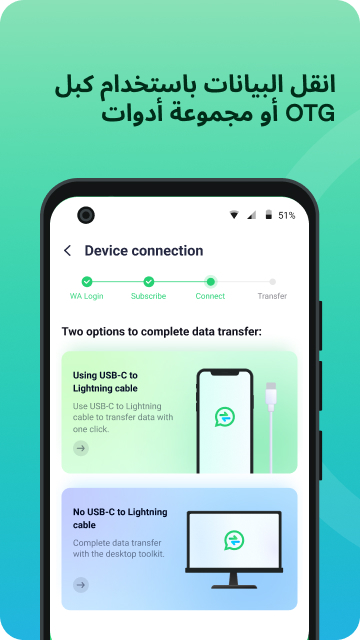
● متاح لجميع بيانات الدردشات نقلها إلى أجهزة iOS / Android باستخدام كابل OTG مباشرة. الكمبيوتر لم يعد ضروريا.
نقل GB WhatsApp
قم بتحويل سجل محادثات GB WhatsApp من أجهزة Android إلى أجهزة iOS.
ما تم حذفه
● استعادة الرسائل المحذوفة المفقودة بأمان، بما في ذلك الدردشات والتسجيلات الصوتية ومقاطع الفيديو وملفات الوسائط الأخرى لبيانات WhatsApp الخاصة بك
تسجيل الدخول على الويب
● قم بتسجيل الدخول بسهولة إلى حسابين بيانات WhatsApp على نفس الجهاز
● قم بتسجيل الدخول إلى نفس حساب بيانات WhatsApp على أجهزة مختلفة في نفس الوقت
✨
وظيفة جديدة
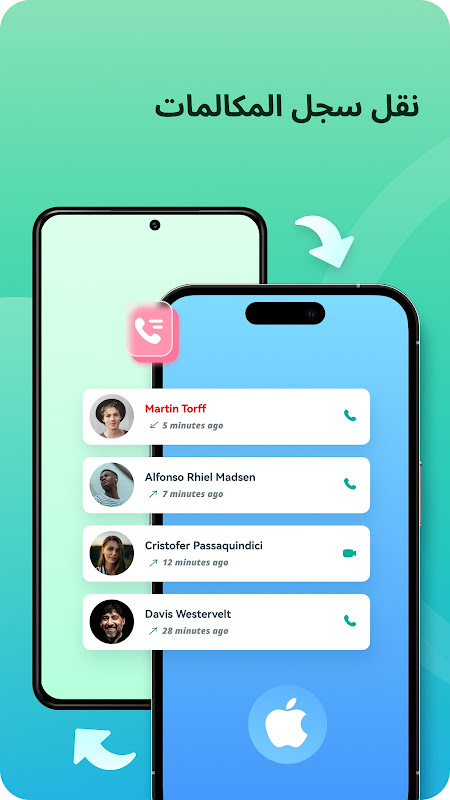
نقل سجل مكالمات واتساب
● نقل جهات الاتصال أو المكالمات أو تسجيلات الفيديو مع دعم نقل ثنائي الاتجاه لنظامي Android وiOS.
🏆 لماذا تختار موتسابر
🚀التطبيق رقم 1 لنقل بيانات الواتساب! Mutsapper هي أسرع طريقة لنقل الملفات! قم بنقل بيانات WhatsApp الخاصة بك بسرعة مع 0 استهلاك للبيانات!
● تبديل أنواع متعددة من بيانات WhatsApp
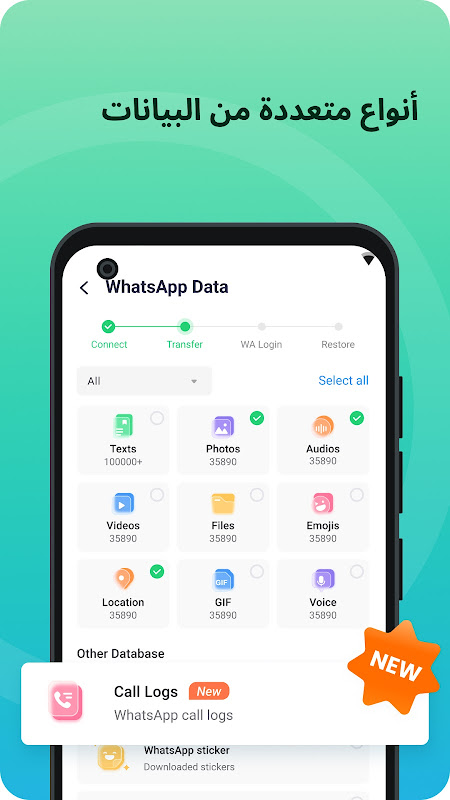
دعم نقل بيانات WhatsApp المتنوعة بين iPhone وAndroid، بما في ذلك الرسائل والرموز التعبيرية والصور ومقاطع الفيديو والملفات والمرفقات
● الحفاظ على اكتمال ال WhatsApp
انقل جميع بيانات WhatsApp الخاصة بك بين Android وiOS؛ لن يتم ترك أي بيانات وراءها
● الحفاظ على أمان نقل بيانات WhatsApp
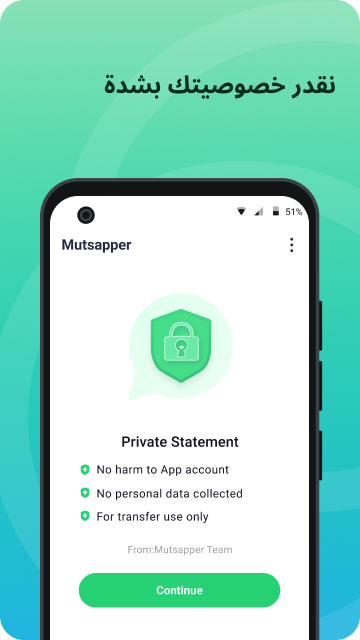
يعد Mutsapper بحماية خصوصيتك ولن يقوم بحفظ رسائل أي مستخدم
● سرعة نقل سريعة أثناء النقل
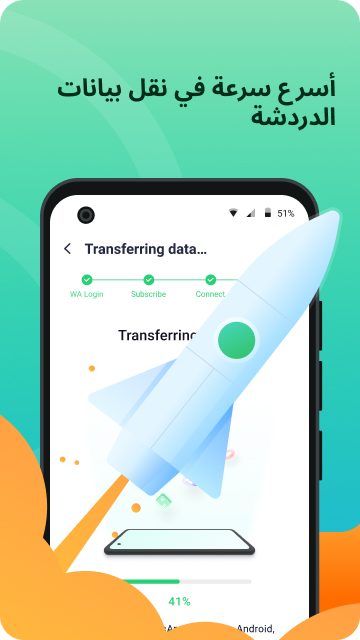
استمتع بالوتيرة السريعة لنقل بيانات WhatsApp بين Android وiOS
● النقل عبر الأنظمة الأساسية
الانتقال إلى iOS: ترحيل السجل من Android إلى iPhone، والعكس.
التوافق:
● لأجهزة iPhone: iOS 9.0 والإصدارات الأحدث.
● لأجهزة Android: Android 7 والإصدارات الأحدث.
● تشمل العلامات التجارية المختلفة للهواتف المدعومة iPhone وSamsung وHuawei وXiaomi وOppo وVivo وHTC وLG وSony وMotorola وغيرها
● اللغات التي يدعمها تطبيق Mutsapper هي الإنجليزية والألمانية والفرنسية والإيطالية والبرتغالية والهولندية والإسبانية والروسية والعربية
كيفية نقل بيانات WhatsApp الموجودة في الأجهزة القديمة إلى أجهزة iOS/Android باستخدام Mutsapper - WhatsApp Transfer؟
1. قم بتثبيت تطبيق Mutsapper على هاتف Android الخاص بك، والذي يتضمن WhatsApp الذي تريد تبديله
2. قم بتوصيل أجهزة iPhone وAndroid الخاصة بك باستخدام كابل USB OTG؛
3. ابدأ في نقل بيانات WhatsApp المتعددة (جهات الاتصال والرسائل والصور والصور ومقاطع الفيديو والملفات وما إلى ذلك) بين iOS وAndroid.
👩👦
ماذا يقولون
:
"انا سعيد جدا. ساعدني Mutsapper في استعادة بيانات WhatsApp الخاصة بي على iPhone إلى هاتف آخر. لقد كان من الصعب جدًا حفظ بيانات WhatsApp (جهات الاتصال، والملصقات، والصور)، ولكن Mutsapper جعل الأمر سهلاً!"-كوبر
"كان نقل بيانات WhatsApp من Android إلى iPhone يمثل صداعًا بالنسبة لي بعد أن اشتريت هاتفًا جديدًا. أزال Mutsapper مشكلتي وساعد في نقل بيانات WhatsApp إلى iOS. تم استرداد جهات الاتصال والملصقات الخاصة بي وكل شيء. -جوماريس
"لقد استخدمت نفس تطبيقات النقل واستعادة بيانات WhatsApp مثل mobiletrans، وdr fone، وshareit لأجهزة iPhone، وجميعها تعمل بشكل جيد، ولكن Mutsapper الذي يمكن أن يساعدني في نقل بيانات WhatsApp الخاصة بي بسهولة إلى هاتف جديد بسهولة!" -- سيهلي مسومي
المطور - Wondershare
Wondershare هي شركة عالمية رائدة في مجال تطوير برامج التطبيقات ولديها ستة مكاتب حول العالم. أفضل البرامج التي تمتلكها Wondershare، مثل Filmora وMobileTrans، يتم استخدام Dr.Fone في أكثر من 150 دولة حول العالم ولديها أكثر من 2 مليون مستخدم نشط كل شهر.
Mutsapper هو تطبيق مستقل من Wondershare. لا يوجد لدى Wondershare أو Mutsapper أي علاقة مع Meta أو WhatsApp.
اتصل بنا: customer_service@wondershare.com
معلومات إضافية
تاريخ التحديث
2026-10-25الإصدار
3.4.1.432الحجم
38.32 ميجابايتالمطور
WONDERSHARE TECHNOLOGY CO., LIMITEDwutsapper@gmail.com
تصنيف المحتوى
Everyoneالحزمة
com.wondershare.wutsapper.androidالتوقيع (MD5)
82e7a253b4c42d892c781aeeadf78112