0.0
٥ مليونتنزيل
26.32 ميجابايتالحجم
موقّع وموثوق
لقطات الشاشة
عن التطبيق
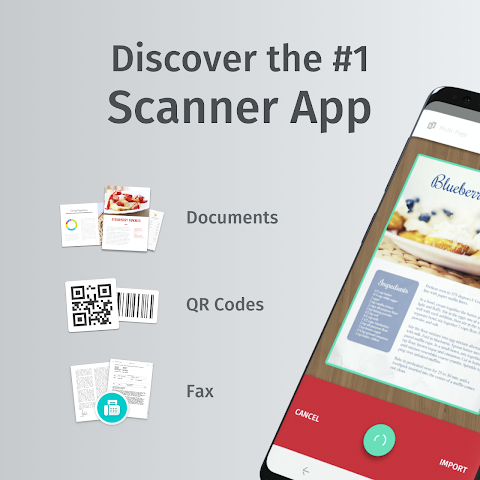
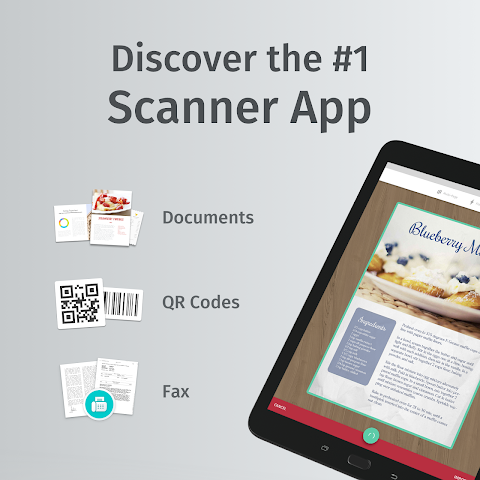
Scanbot is the best document to PDF scanner app and very easy to use. Already 7 million people on Android and iOS use Scanbot to scan their documents, receipts, whiteboards, QR codes or bar codes. The scanner app already won numerous awards and achieves a satisfaction rating of 98%.
HOW IT WORKS
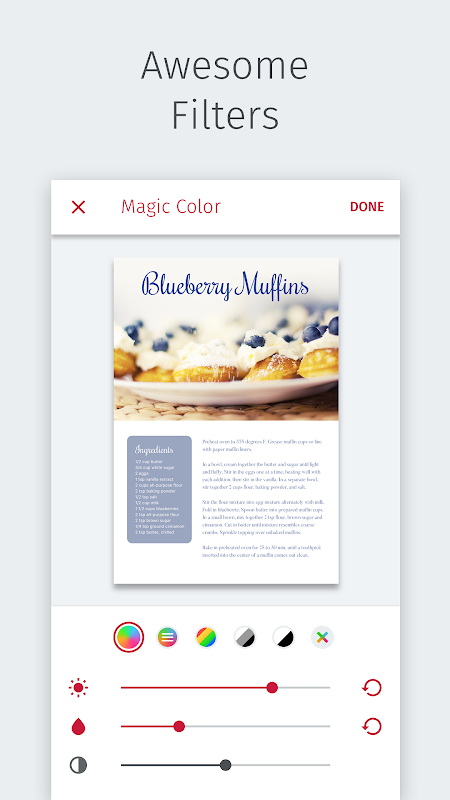
Simply hold your smartphone or tablet over a document and Scanbot will automatically scan it. The scanner app will then crop the document and optimize the colors. Save your scan as PDF or JPG with one tap.
FEATURE HIGHLIGHTS
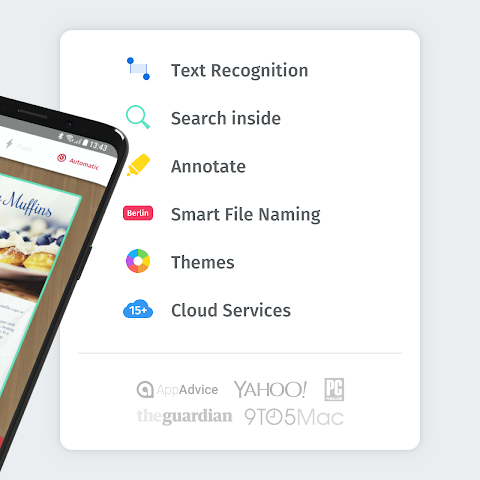
- PDF documents and JPG
- QR Code scanning
- Bar Code scanning
- Multi-Page scans
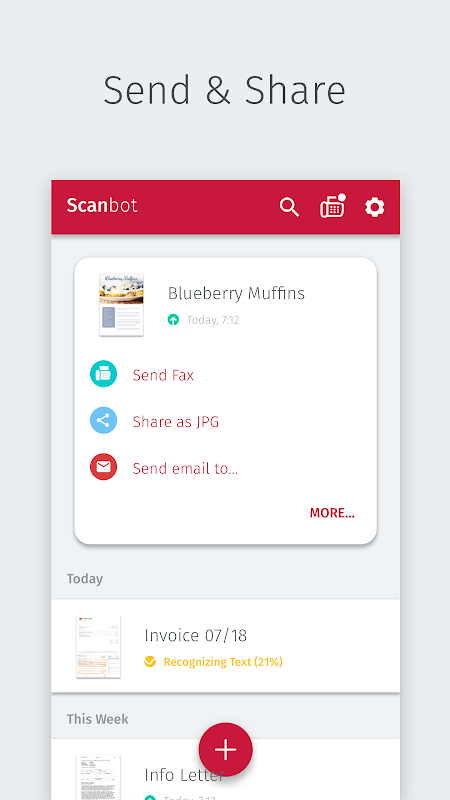
- Automatic upload
- Editing and annotations
- OCR text recognition
- Full-text search
THE BEST DOCUMENT SCANNER
Scanbot scans everything from business cards to whiteboards. When you scan a document, Scanbot makes hundreds of decisions to capture the document perfectly, crop the document, straighten it and apply the filter.
SCAN QR CODES
Instantly scan QR codes to save a business card, show a location, open a website or connect to a WiFi network.
SUPPORTED CLOUD SERVICES
- Dropbox
- Google Drive
- OneDrive
- Box
- Evernote
- Shoeboxed
- Yandex Disk
- WebDAV
- MagentaCloud
- Amazon Cloud Drive
- Slack
- Todoist
WORK WITH DOCUMENTS
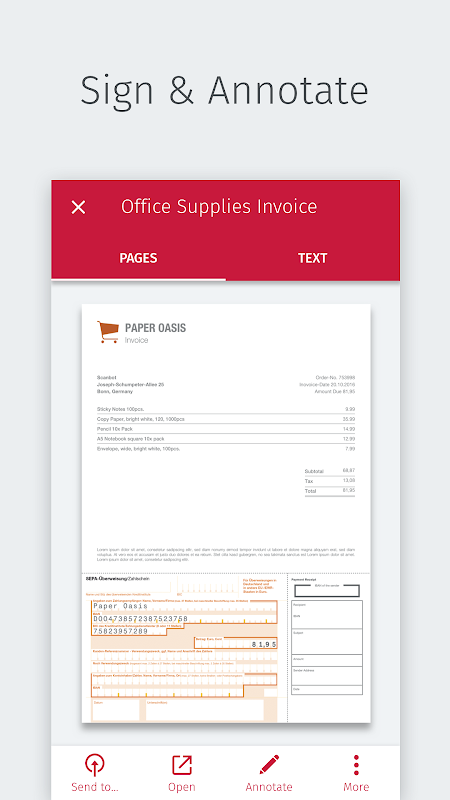
Easily work with your PDFs after you have scanned them. Highlight text, add notes, draw on the scanned pages or add your signature. Scanbot features all annotation tools you need to edit your scans. Existing scans can also be easily modified and corrected by moving, deleting or adding pages.
EDUCATION
Scanbot is the perfect tool to manage all your documents in school or university. Learn all about it here: https://scanbot.io/education
GET IN TOUCH
Scanbot has a 98% satisfaction rating for its support. We really love to hear from you. So if you have any questions or feedback please contact us directly in the app (Settings, scroll down and tap on Support) or via support@scanbot.io. We will get back to you as fast as possible.
Plus us on Google+: https://plus.google.com/+ScanbotIo
Follow us on Twitter: https://twitter.com/scanbot
Like us on Facebook: https://www.facebook.com/scanbotapp
Learn more: https://scanbot.io
PERMISSIONS
Scanbot (optionally) uses permissions for your calendar and location to provide you with intelligent names like „Scan from »Planning Meeting« at »Tech Advisory Partners Office«“.
Please note that we need access to your contact details to restore previous purchases.
More details on our FAQ page https://goo.gl/EQbFBo and in our privacy policy https://scanbot.io/privacy.html
Scanbot هو أفضل وثيقة لبرنامج PDF الماسح الضوئي وسهلة جدا للاستخدام. بالفعل 7000000 الناس على Android و iOS استخدام Scanbot لفحص وثائقها، والإيصالات، بيضاء، رموز QR أو الرموز الشريطية. التطبيق الماسح الضوئي فاز بالفعل العديد من الجوائز ويحقق نسبة رضا من 98٪.
كيف تعمل
ببساطة عقد الهاتف الذكي أو الكمبيوتر اللوحي على وثيقة وسوف Scanbot مسحها تلقائيا. فإن التطبيق الماسح الضوئي ثم المحاصيل وثيقة وتحسين الألوان. حفظ المسح الضوئي بصيغة PDF أو JPG بنقرة واحدة.
وتبرز سمة
- وثائق PDF و JPG
- مسح رمز الاستجابة السريعة
- بار قانون المسح الضوئي
- المسح متعدد الصفحة
- تحميل تلقائي
- تحرير وشروحه
- التعرف على النص OCR
- بحث النص الكامل
THE BEST SCANNER DOCUMENT
Scanbot بمسح كل شيء من بطاقات العمل لألواح الكتابة. عند مسح مستند، Scanbot يجعل مئات القرارات لالتقاط وثيقة تماما، والمحاصيل وثيقة، وتصويب ذلك وتطبيق عامل التصفية.
فحص رموز QR
على الفور مسح رموز QR لحفظ بطاقة الأعمال، وتبين موقع، فتح موقع على شبكة الانترنت أو الاتصال بشبكة واي فاي.
الخدمات CLOUD المدعومة
- بصندوق الإسقاط
- محرك جوجل
- ون درايف
- صندوق
- إيفرنوت
- Shoeboxed
- قرص ياندكس
- WEBDAV
- MagentaCloud
- أمازون السحابية محرك
- تثاقل
- Todoist
التعامل مع المستندات
العمل بسهولة مع ملفات PDF الخاصة بك بعد أن كنت قد تم مسحها ضوئيا لهم. تسليط الضوء على النص، إضافة ملاحظات، رسم على الصفحات الممسوحة ضوئيا أو إضافة توقيعك. يتميز Scanbot جميع أدوات الشرح تحتاج إلى تحرير عمليات الفحص الخاص بك. ويمكن أيضا مسح القائمة تعديلها بسهولة وتصحيح عن طريق نقل أو حذف أو إضافة صفحات.
التعليم
Scanbot هو أداة مثالية لإدارة كل ما تبذلونه من الوثائق في المدرسة أو الجامعة. تعلم كل شيء عن ذلك هنا: https://scanbot.io/education
ابقى على تواصل
Scanbot لديها تصنيف رضا 98٪ لدعمها. نحن حقا أحب أن أسمع منك. حتى إذا كان لديك أي أسئلة أو تعليقات يرجى الاتصال بنا مباشرة في تطبيق (الإعدادات، انتقل لأسفل وانقر على الدعم) أو عن طريق support@scanbot.io. وسوف نقوم بالرد عليك في أسرع وقت ممكن.
بالإضافة إلى متابعتنا على Google+: https://plus.google.com/+ScanbotIo
تابعونا على تويتر: https://twitter.com/scanbot
مثلنا في الفيسبوك: https://www.facebook.com/scanbotapp
مزيد من المعلومات: https://scanbot.io
PERMISSIONS
Scanbot (اختياريا) يستخدم أذونات التقويم الخاص بك والمكان لتوفير لكم مع أسماء الذكية مثل "المسح الضوئي من» التخطيط اجتماع «في» التقنية الاستشارية شركاء مكتب «".
يرجى ملاحظة أننا بحاجة إلى الوصول إلى تفاصيل الاتصال الخاصة بك لاستعادة المشتريات السابقة.
مزيد من التفاصيل حول صفحة الأسئلة الشائعة https://goo.gl/EQbFBo وفي سياسة الخصوصية https://scanbot.io/privacy.html
معلومات إضافية
تاريخ التحديث
2026-06-13الإصدار
7.0.6.233الحجم
26.32 ميجابايتالمطور
Maple Mediasupport@scanbot.io
تصنيف المحتوى
Everyoneالحزمة
net.doo.snapالتوقيع (MD5)
7e78c404c98ad7c5113c4b7cbdf1e83e