0.0
٥٠ مليونتنزيل
19.64 ميجابايتالحجم
موقّع وموثوق
لقطات الشاشة
عن التطبيق
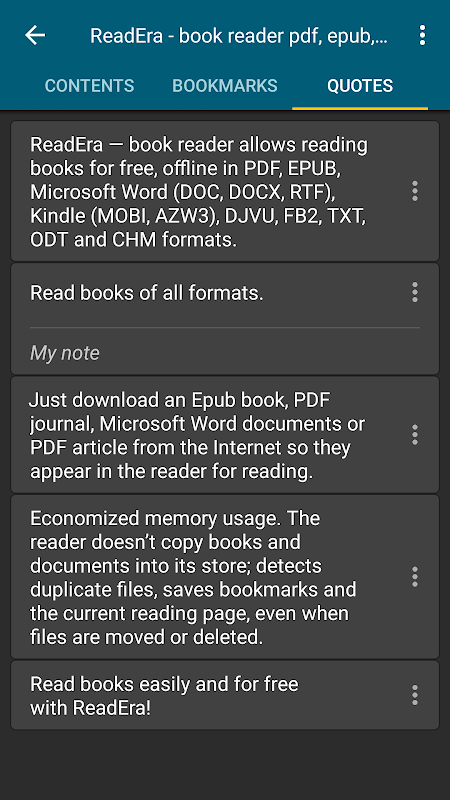
ReadEra - يسمح قارئ الكتب بقراءة الكتب مجانًا وبلا اتصال بالإنترنت بتنسيق PDF و EPUB و Microsoft Word (DOC و DOCX و RTF) و Kindle (MOBI و AZW3) و DJVU و FB2 و TXT و ODT و CHM.
لا إعلانات
قراءة الكتب بدون إعلانات. لا يحتوي برنامج ReadEra لقراءة الكتب وعرض مستندات PDF على إعلانات ولا يفرض عمليات شراء داخلية.
لا يوجد تسجيل
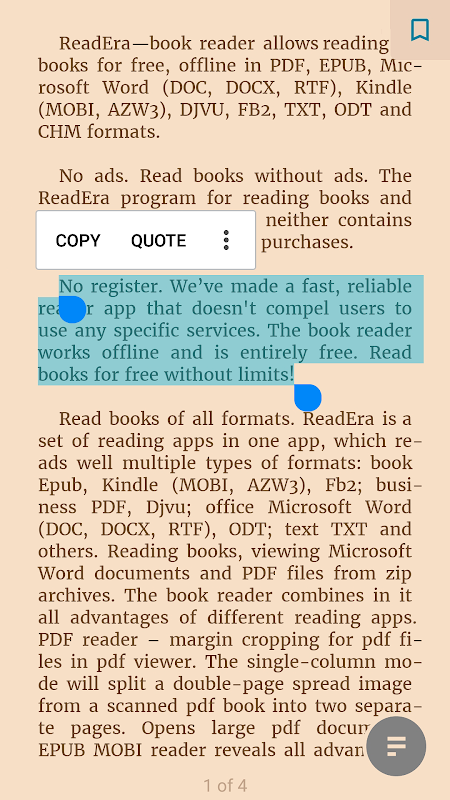
لقد أنشأنا تطبيق قارئ سريعًا وموثوقًا لا يجبر المستخدمين على استخدام أي خدمات محددة. يعمل قارئ الكتب في وضع عدم الاتصال وهو مجاني تمامًا. اقرأ الكتب مجانًا بلا حدود!
قراءة الكتب بجميع التنسيقات
ReadEra عبارة عن مجموعة من تطبيقات القراءة في تطبيق واحد ، والتي تقرأ جيدًا أنواعًا متعددة من التنسيقات: كتاب Epub ، Kindle (MOBI ، AZW3) ، Fb2 ؛ PDF الأعمال ، Djvu ؛ مكتب Microsoft Word (DOC ، DOCX ، RTF) ، ODT ؛ نص TXT وغيرها. قراءة الكتب وعرض مستندات Microsoft Word وملفات PDF من الأرشيفات المضغوطة.
يجمع قارئ الكتب فيه جميع مزايا تطبيقات القراءة المختلفة.
قارئ PDF - اقتصاص الهامش لملفات PDF في عارض PDF. سيقسم وضع العمود الواحد صورة انتشار مزدوجة الصفحة من كتاب pdf ممسوح ضوئيًا إلى صفحتين منفصلتين. يفتح وثائق PDF كبيرة.
يكشف قارئ EPUB وقارئ MOBI جميع مزايا تنسيقات EPUB و MOBI للكتب الإلكترونية.
يشكل WORD Reader محتويات الكتاب بالعناوين.
يفتح قارئ FB2 كتبًا بتنسيق fb2 من الأرشيف المضغوط ؛ لا حاجة لتفريغ.
يقرأ قارئ الكتب ReadEra جميع التنسيقات الشائعة للكتب والمجلات والمقالات والمستندات الأخرى في تطبيق واحد.
أفضل مدير كتب لمكتبتك
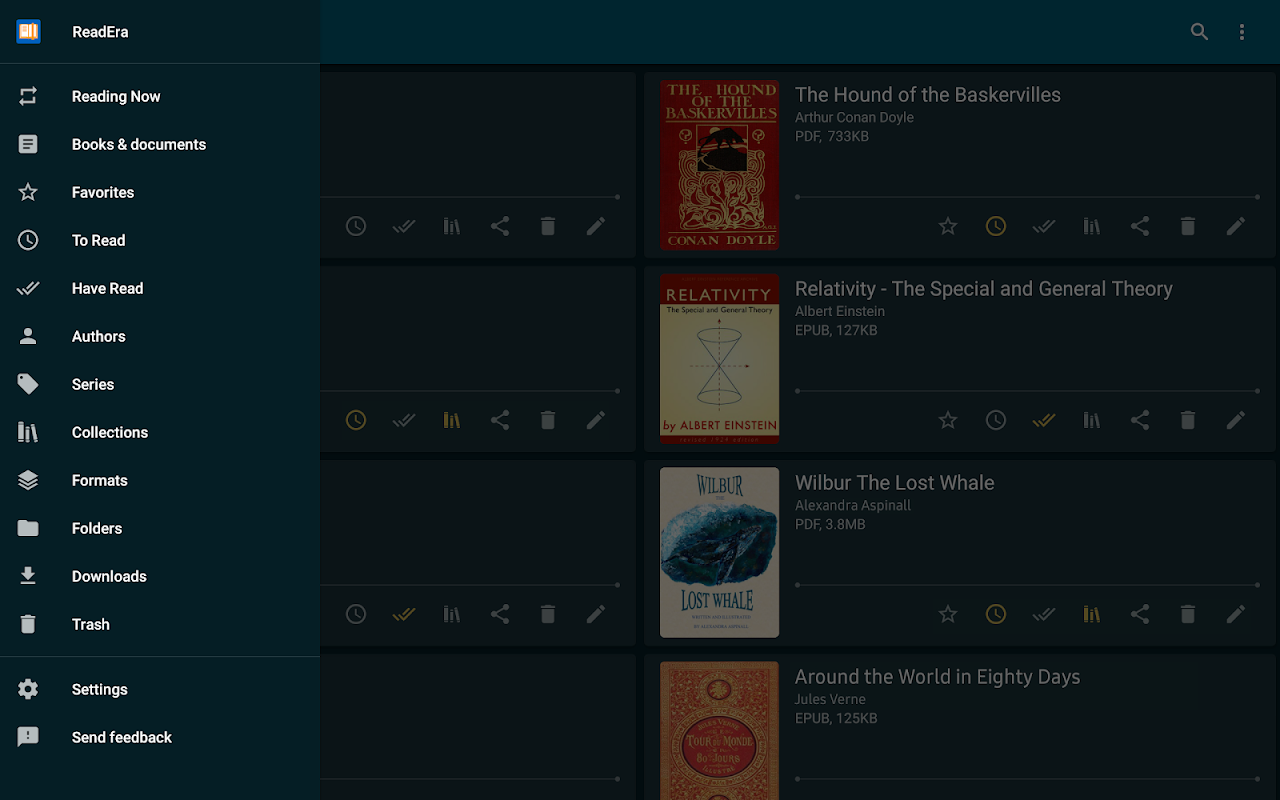
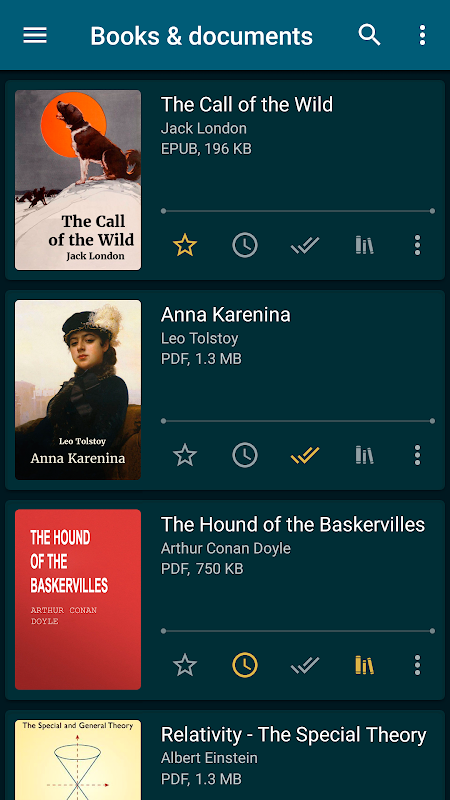
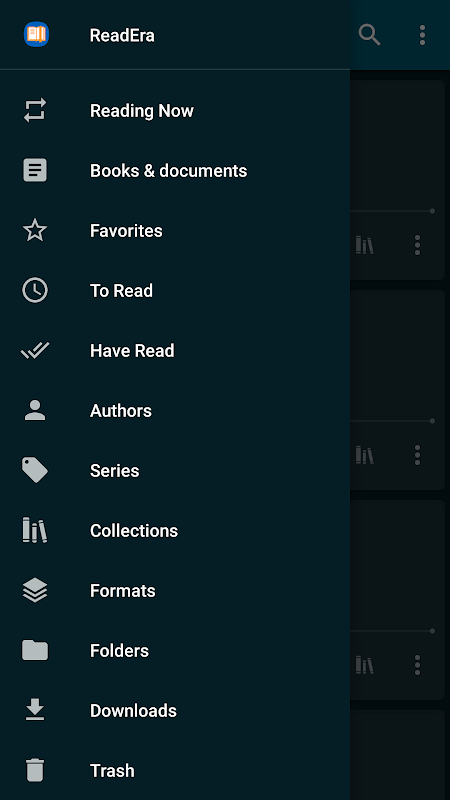
الاكتشاف التلقائي للكتب والمستندات. ما عليك سوى تنزيل كتاب Epub أو مجلة PDF أو مستندات Microsoft Word أو مقالة PDF من الإنترنت حتى تظهر في القارئ للقراءة. سهولة التنقل عبر المجلدات والتنزيلات. تجميع الكتب حسب المؤلفين والمسلسلات. قوائم قراءة الكتب: القراءة ، القراءة ، المفضلة. تتيح أداة المجموعات (أرفف الكتب) إنشاء مجموعات مواضيعية شخصية. يمكن إضافة الكتب والمستندات إلى مجموعة واحدة أو عدة مجموعات في نفس الوقت. نحن نبذل قصارى جهدنا لضمان الطلب في مكتبة الكتب الإلكترونية الخاصة بك.
التنقل عبر كتاب
الوصول السريع إلى إعدادات القراءة ، وجدول المحتويات ، والإشارات المرجعية ، وتمييزات النص ، والاقتباسات ، والملاحظات ، وسجل تصفح الصفحات في الكتاب وخيارات الكتب الإلكترونية الأخرى. تصفح الكتاب باستخدام مؤشر الصفحة أو خط التقدم. تتم طباعة نص الحواشي السفلية بتنسيقات Epub و Mobi و Docx و Fb2 في أسفل الصفحة ، كما في الكتاب الورقي. يعرض العدد الإجمالي لصفحات الكتاب والصفحات بشكل منفصل من فصل القراءة.
إعدادات قراءة مريحة
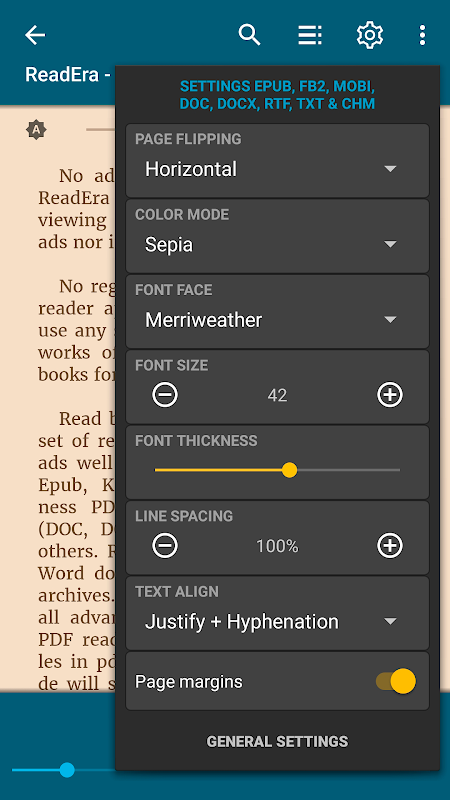
الحفظ التلقائي لصفحة القراءة الحالية. أوضاع ألوان جميلة أثناء قراءة الكتب: نهارًا ، ليلاً ، بني داكن ، وحدة تحكم. وضع التقليب الأفقي أو الرأسي للصفحة. تعديل اتجاه الشاشة والسطوع وتعديل هوامش الصفحة ، بما في ذلك PDF و DjVu. نوع الخط القابل للتعديل والحجم والجرأة وتباعد الخط والواصلة في Microsoft Word و Epub و Kindle (Mobi و Azw3) و Fb2 و TXT و ODT. خيار التكبير لملف PDF وملف Djvu عند قراءة PDF وقراءة Djvu.
استخدام الذاكرة المقتصد
لا ينسخ القارئ الكتب والمستندات إلى متجره ؛ يكتشف الملفات المكررة ويحفظ الإشارات المرجعية وصفحة القراءة الحالية ، حتى عندما يتم نقل الملفات أو حذفها. على سبيل المثال ، حتى إذا قمت بحذف الملفات وتنزيل الكتب مرة أخرى ، فستتمكن من متابعة قراءة الكتب من آخر صفحة للقراءة. يسمح EBook ReadEra بتخزين البيانات على بطاقة SD.
وضع المستندات المتعددة
يسمح قارئ الكتب Readera بقراءة العديد من الكتب والمستندات في نفس الوقت. على سبيل المثال ، يمكنك قراءة كتب Epub ومجلات PDF في وقت واحد عن طريق وضعها على شاشة الجهاز في وضع تقسيم الشاشة (نافذتان). أو اقرأ مستندات Microsoft Word و ODT و PDF و Epub / Mobi و Kindle ، وقم بالتبديل بينها عن طريق زر نظام "التطبيقات النشطة".
قارئ الكتاب الاليكتروني ReadEra - أفضل تطبيق لقراءة كتب PDF و Epub و Kindle (Mobi و Azw3) و TXT و Fb2 ؛ Microsoft Word (DOC و DOCX و RTF) ومستندات ODT وعارض PDF لنظام Android.
اقرأ الكتب بسهولة ومجانية مع ReadEra!
معلومات إضافية
تاريخ التحديث
2026-10-14الإصدار
26.05.20+2300الحجم
19.64 ميجابايتالمطور
READERA LLCsupport@readera.ru
تصنيف المحتوى
Everyoneالحزمة
org.readeraالتوقيع (MD5)
f1f9269169361d7c0a087a7063eb4638إصدارات سابقة
21.12.12+13352021-12-19 • 30.96 ميجابايت